
应用配置
两种配置包含相同的 MapTools 功能。比较控件在此设备上的实际外观,然后选择初始布局。
完整工具菜单始终可直接访问。适合经常使用多种 MapTools 功能的用户。
轨迹、路线、标记和遥测位于前台。照片、备注和音频在“标记”子菜单中;其他工具可通过“更多”访问。
地图预设
地图预设会保存全部四个地图槽、槽位顺序和活动槽,包括地图源、样式、图层、地形、叠加层、路由偏好和对象可见性。界面模式、坐标、颜色、图标收藏和菜单顺序仍是全局设置。
应用配置
只改变控件布局,不改变地图、图层、项目或记录的数据。
两种配置包含相同的 MapTools 功能。比较控件在此设备上的实际外观,然后选择初始布局。
完整工具菜单始终可直接访问。适合经常使用多种 MapTools 功能的用户。
轨迹、路线、标记和遥测位于前台。照片、备注和音频在“标记”子菜单中;其他工具可通过“更多”访问。
地图预设会保存全部四个地图槽、槽位顺序和活动槽,包括地图源、样式、图层、地形、叠加层、路由偏好和对象可见性。界面模式、坐标、颜色、图标收藏和菜单顺序仍是全局设置。
搜索、切换地图、对象浏览器、设置、GPS/InfoTap 和隐藏地图控件在两种配置中均可用。
在“设置”中管理地图预设、重复此介绍或打开功能概览,并切换应用配置。配置只改变控件布局。
只改变控件布局,不改变地图、图层、项目或记录的数据。
地图和图层
将当前底图与叠加层和导入的图层数据分开管理。
地图源和离线地图在地图浏览器中管理。
点按槽位即可激活。通过选择器更改分配的地图。
默认 / 底图
自定义主题
将当前底图与叠加层和导入的图层数据分开管理。
HGT 图块可为点、剖面和分析提供高程值,并用于可见地形阴影渲染。也支持 DEM GeoTIFF、ASC 和 DTED。
地图预设
地图预设会保存全部四个地图槽、槽位顺序和活动槽,包括地图源、样式、图层、地形、叠加层、路由偏好和对象可见性。界面模式、坐标、颜色、图标收藏和菜单顺序仍是全局设置。
点按槽位即可激活。通过选择器更改分配的地图。
地图源和离线地图在地图浏览器中管理。
保存地图预设
地图预设会保存全部四个地图槽、槽位顺序和活动槽,包括地图源、样式、图层、地形、叠加层、路由偏好和对象可见性。界面模式、坐标、颜色、图标收藏和菜单顺序仍是全局设置。
只改变控件布局,不改变地图、图层、项目或记录的数据。
显示
标记、线、路线、方位、区域和 ViewRange 的颜色可以通过颜色字段、色相控制、RGB 值和 Hex 代码选择。对话框会预览当前颜色和所选颜色。收藏保持简洁:全局对象颜色,以及区域和 ViewRange 的专用收藏。
维护保养
服务目录发生变化。 MapTools 可以再次读取功能、显示差异并以受控方式修复明确的引用。
可以从服务或本地 XML 文件中读取功能。 XML 包含目录,而不是供离线使用的地图图像。
添加、删除和更改的图层以及受影响的地图预设会在应用更改之前显示。
可以修复明确的引用。内容发生更改的预设将失去原来的测试状态,必须重新测试。
公共目录遵循 HTTP 缓存元数据。私人回应不持久; FeatureInfo 返回的 HTML 不会呈现为活动 Web 内容。
成功的请求并不证明免费使用或缓存权利。许可、注册、配额和归属由服务运营商决定。
地图预设
地图预设会保存全部四个槽位及其顺序、已停用槽位、活动槽位和对象可见性。标准预设仍可使用;自定义预设属于Pro功能。
旧版自定义单槽位预设只迁移一次。名称、标识符、地图内容和对象可见性都会保留。旧内容放入更新时的活动槽位,另外三个槽位从当前配置复制。迁移不会切换正在使用的配置。
只有在新格式完成原子写入并成功回读后,旧文件才会被删除。缺失的地图、主题、图层或地形数据仍保留引用,相关槽位会标记为不完整。
当前配置与已加载预设不同时,MapTools会显示已更改状态。切换时可选择保存、放弃或取消。
在线地图
MapTools 支持将自定义 HTTPS 来源用作底图或叠加层。这四种类型在地图上可能看起来相同,但配置、切片、CRS 和要素查询方式不同。
XYZ
包含 z、x、y 的 URL 模板用于获取预生成切片。原点位于左上角,全球来源通常采用 Web Mercator。
OSGeo TMS
OSGeo TMS 同样使用固定切片,但通常从底部计算 y。MapTools 会处理这一差异。
WMTS 1.0.0
GetCapabilities 描述图层、样式、格式、CRS 和 TileMatrixSets。MapTools 选择兼容矩阵并排列多个图层。
WMS 1.1.1 / 1.3.0
WMS 按范围、尺寸和 CRS 生成图像。MapTools 支持 1.1.1/1.3.0、图层、样式、维度,以及服务提供时的 GetFeatureInfo。
URL 或标准并不能说明价格、注册、配额、缓存或许可。请始终核对服务提供方的条款。
指南
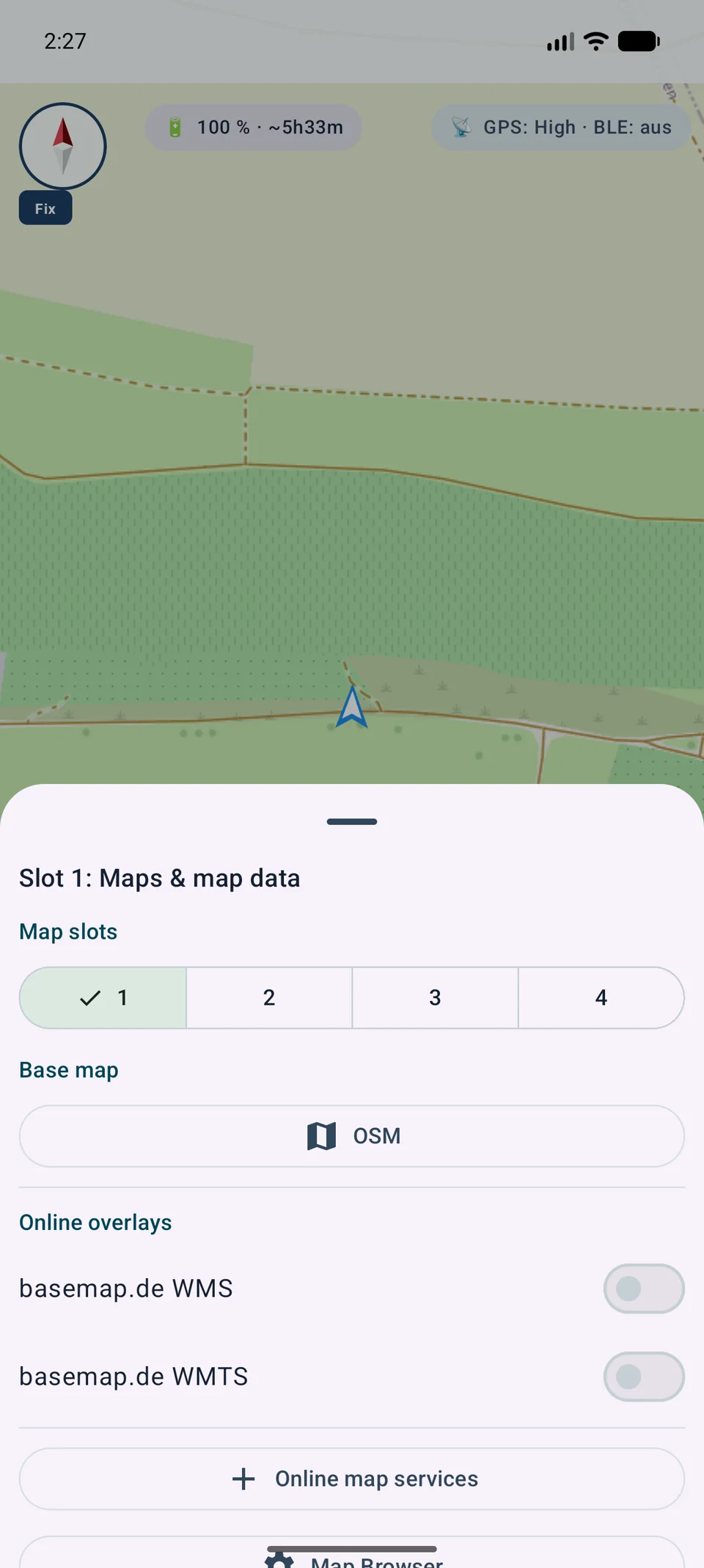
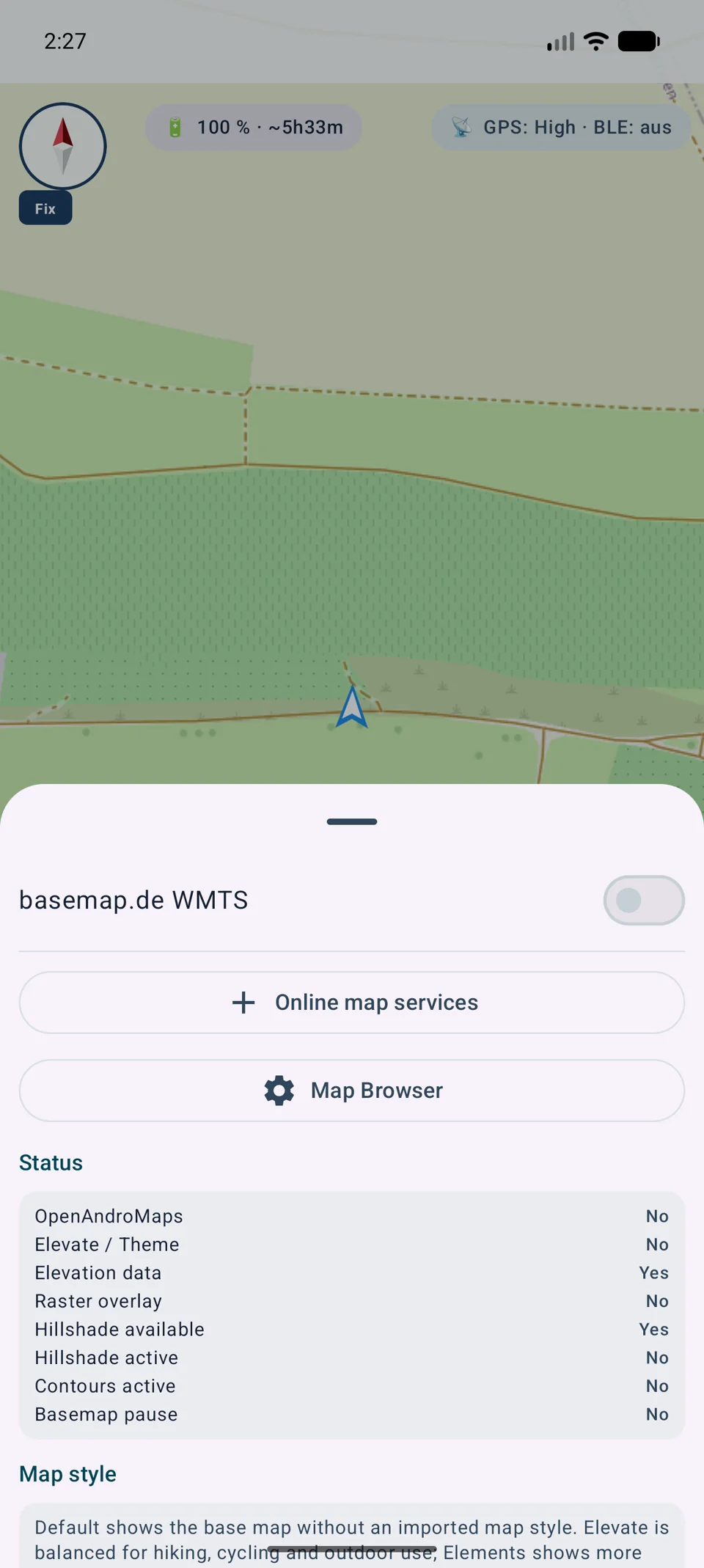
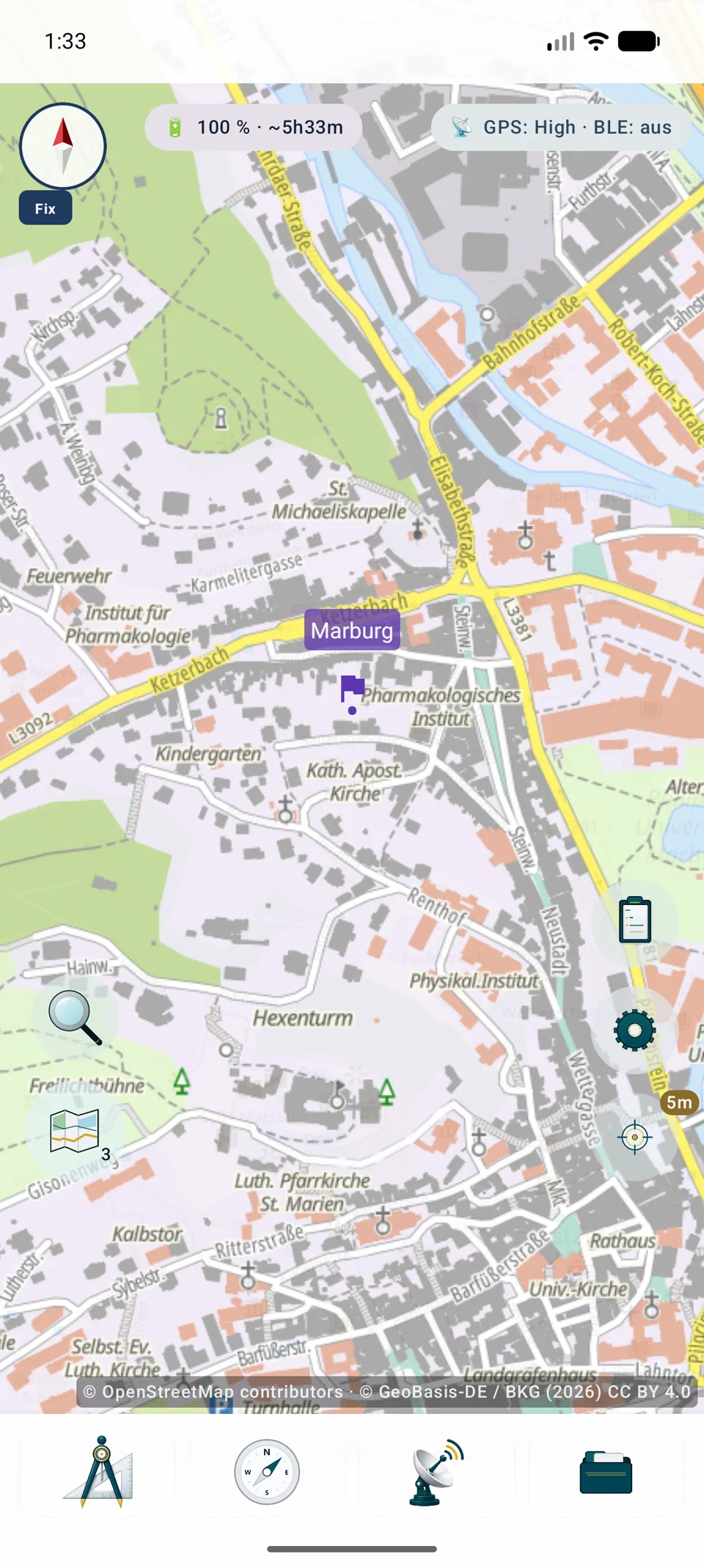
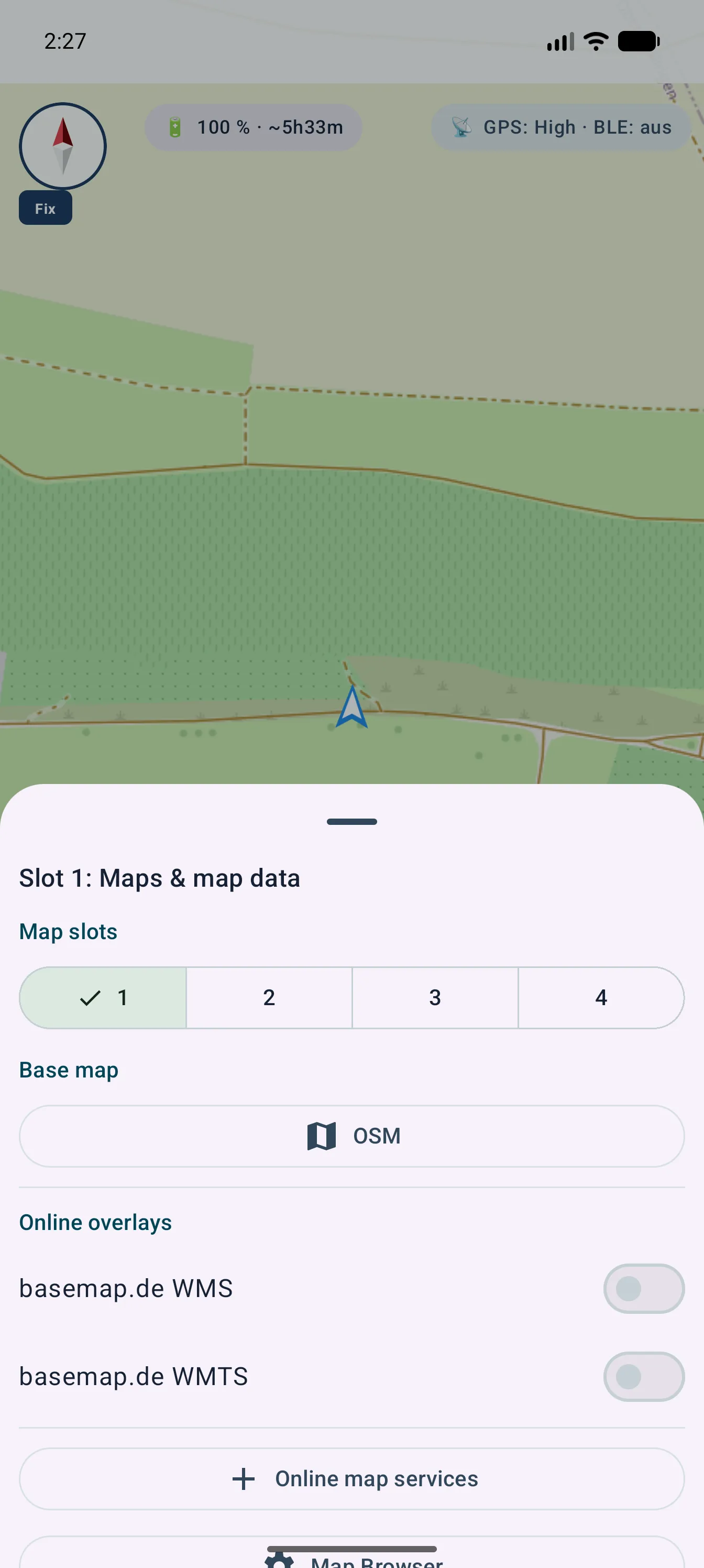
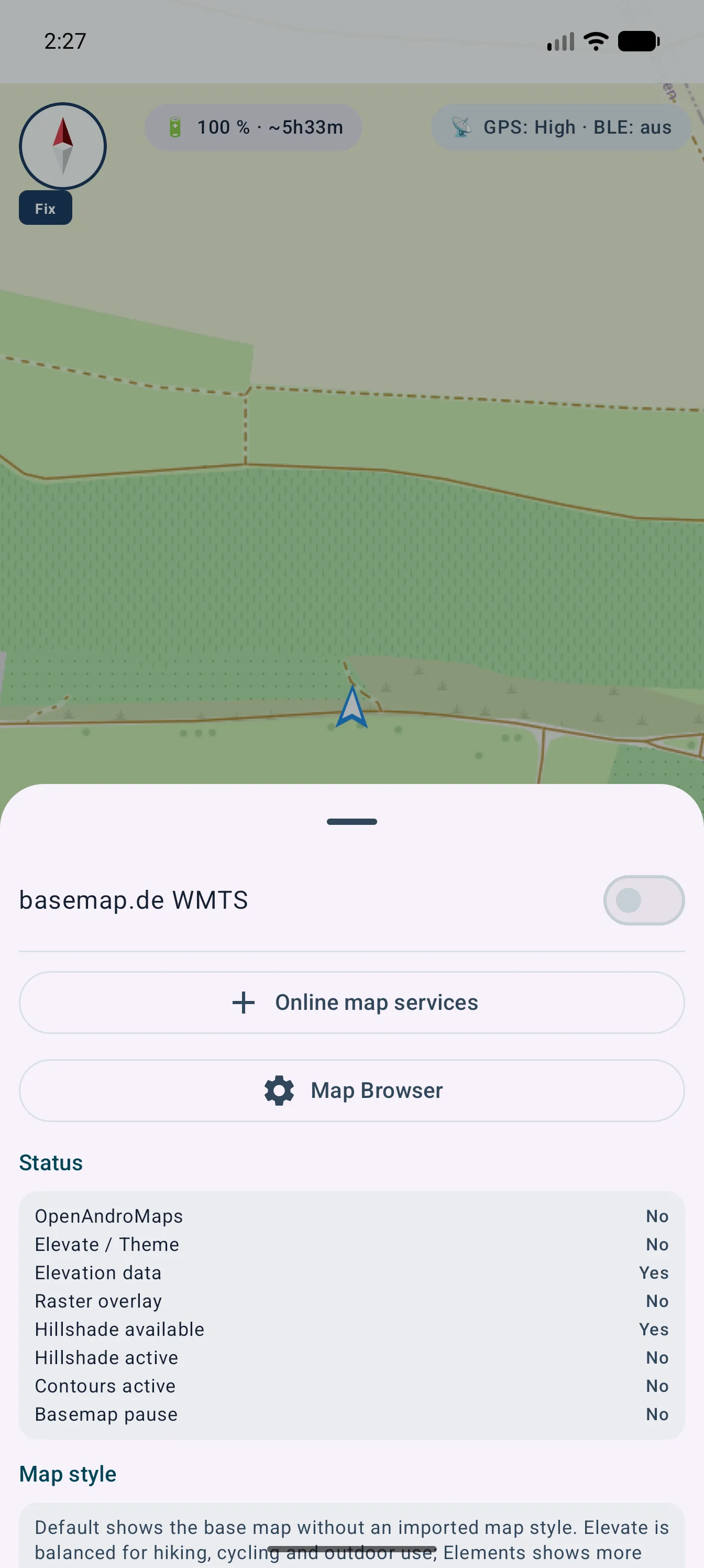
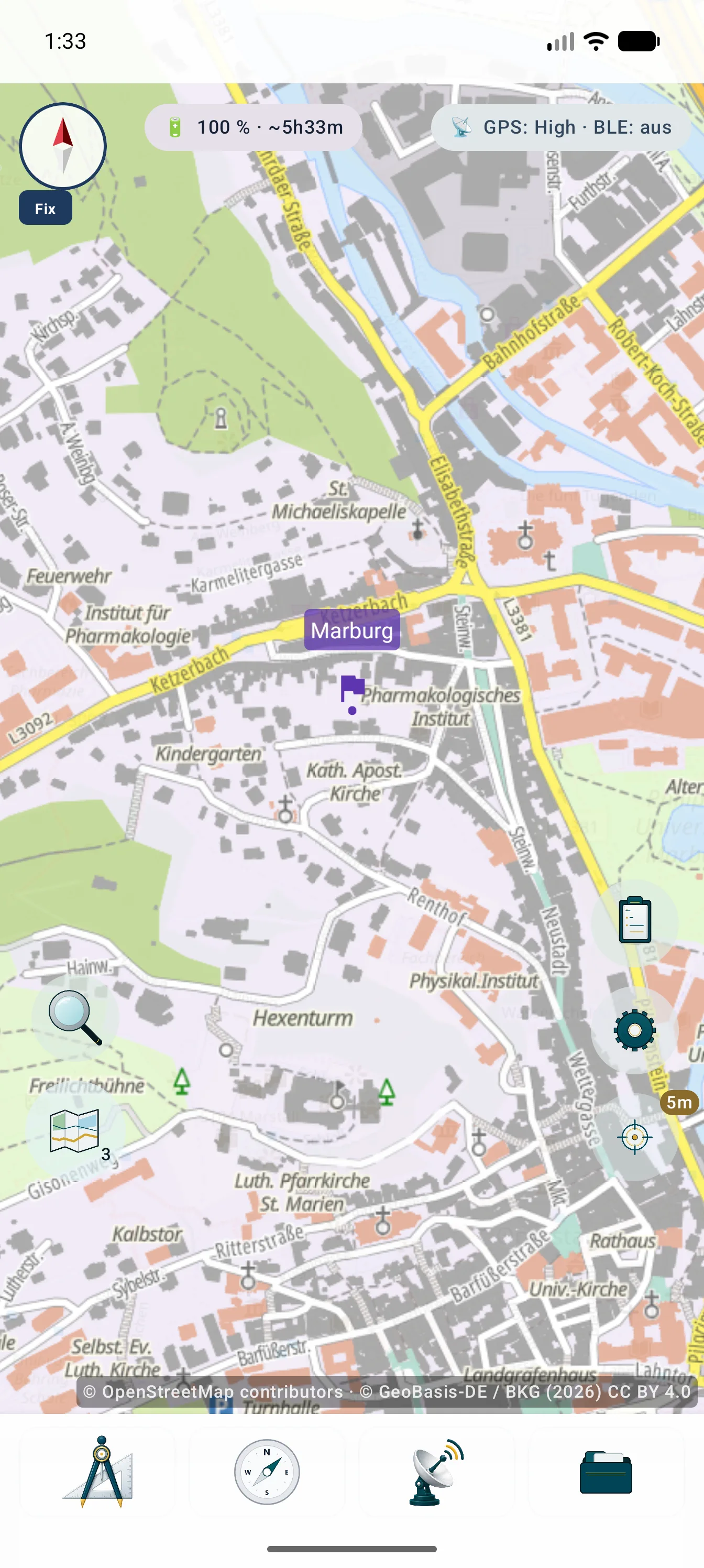
图片展示如何从地图位置进入设置、集中管理服务,以及带有可见署名的最终效果。
渲染与安全
配置会保留 URL 以及可追溯渲染所需的技术和法律信息。
兼容的 WMS 或 WMTS 图层可以一起选择、排序、保存和编辑。每个位置仍可调整底图、叠加层和不透明度。
Web Mercator 直接渲染。其他允许的栅格 CRS 会在本地重投影,同时遵守范围和比例尺限制。
GetFeatureInfo 可返回可查询 WMS 图层中触摸位置的数据。内容和可用性由服务决定。
密码、密钥和令牌会加密,并从备份和 .asmaps 中排除。活动来源的必需署名会合并显示。
外部服务和数据不会自动包含在 MapTools 中。费用、账户、限制、可用性、缓存和权利均取决于服务提供方。
技术术语表
OpenStreetMap 这样的提供方、WMS 这样的协议以及 MBTiles 这样的容器处于不同层次。
恢复
真正从后台恢复时,VTM 和离线地图会在界面线程之外准备。基础地图可先于耗时的附加图层使用;只有超过 500 毫秒才显示非模态加载提示。
详细指南
它们是在线瓦片,不是文件导入。
长按槽位,添加XYZ/TMS,输入含{z}/{x}/{y}或{quadkey}/{s}的HTTPS模板,设置缩放、测试并保存。
分开保存凭据,显示署名并检查账户、费用、配额、许可、缓存和隐私。TMS的Y轴计数方式不同。