实践

方位角与半径

组合方位角、圆、距离和标记进行定位。

工作流程

典型流程

按照这些步骤直接在地图上完成工作流程。

  1. 步骤 1设置标记或坐标
  2. 步骤 2采集方位角和距离
  3. 步骤 3添加圆或测量线
  4. 步骤 4在项目中保存交点和目标区域

New Precision Features

Refine bearings, areas and routes more precisely

The current tools support more guided measurement and correction workflows so existing objects do not need to be recreated.

Guided cross bearing for distance work

The app guides the selection of suitable bearings, circles or measurement objects, calculates intersections and can save the result as a marker.

More details

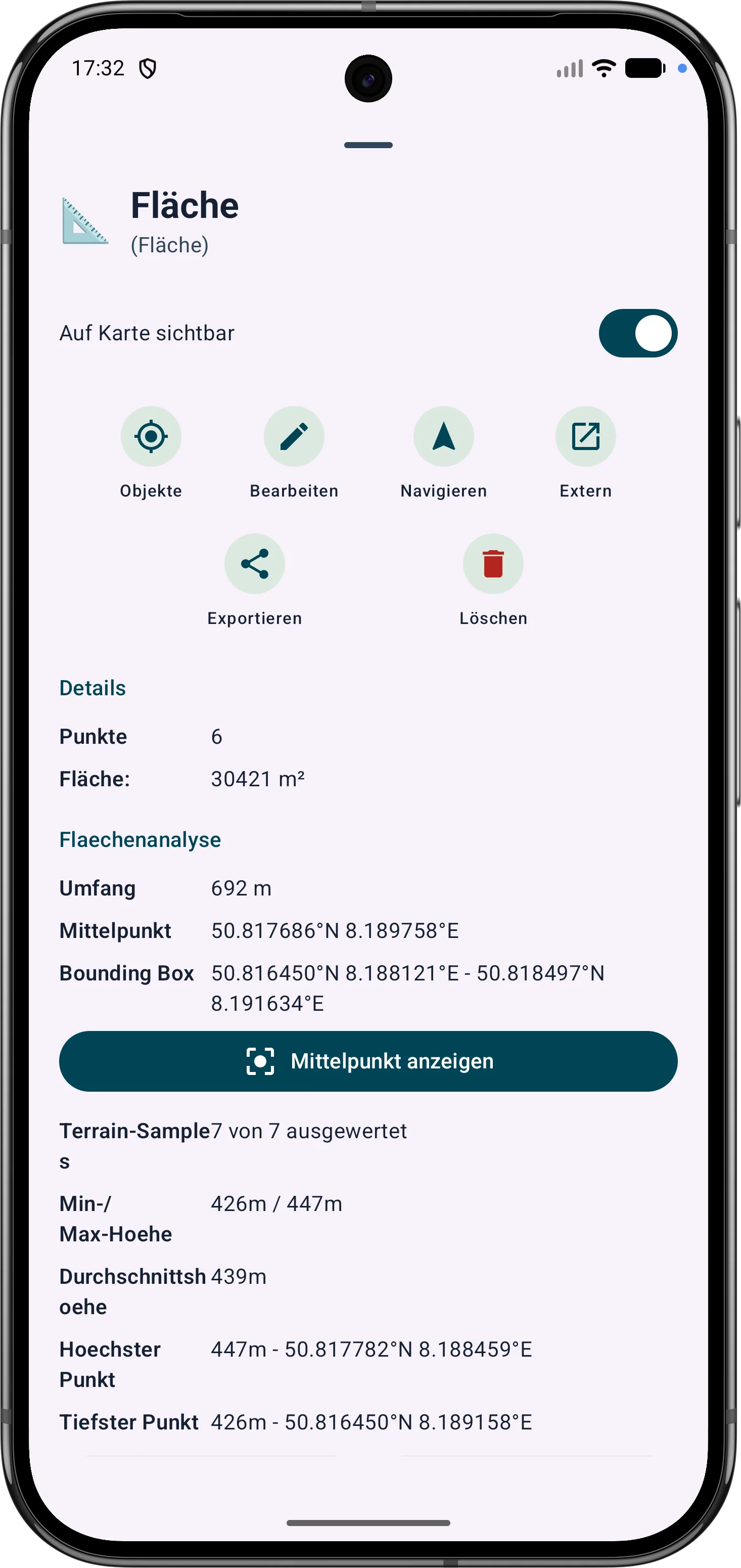
Edit areas later

Polygon areas can be refined through their vertices. Side lengths, interior angles and distances help correct boundaries in the field.

More details

Edit routes later

Route points and segments can be adjusted later. Bearing, distances and direction angles remain visible and understandable on the map.

More details

Intersection calculation from bearing and circle
Editing an area with vertices, angles and distances
Refining a route with bearing and distances