
アプリプロファイル
どちらのプロファイルにも同じ MapTools 機能があります。この端末での実際の表示を比較し、開始レイアウトを選んでください。
全ツールメニューに常に直接アクセスできます。多くの MapTools 機能を日常的に使う場合に適しています。
トラック、ルート、マーカー、テレメトリを優先表示します。写真、メモ、音声はマーカーのサブメニューにあり、その他は「さらに表示」から使えます。
地図プリセット
マッププリセットは4つのスロット、その順序と有効なスロットに加え、ソース、スタイル、レイヤー、地形、オーバーレイ、ルーティング設定、オブジェクト表示を保存します。UIプロファイル、座標、色、アイコン、メニュー順序は共通設定です。
アプリプロファイル
操作の配置だけを変更し、地図、レイヤー、プロジェクト、記録データは変更しません。
どちらのプロファイルにも同じ MapTools 機能があります。この端末での実際の表示を比較し、開始レイアウトを選んでください。
全ツールメニューに常に直接アクセスできます。多くの MapTools 機能を日常的に使う場合に適しています。
トラック、ルート、マーカー、テレメトリを優先表示します。写真、メモ、音声はマーカーのサブメニューにあり、その他は「さらに表示」から使えます。
マッププリセットは4つのスロット、その順序と有効なスロットに加え、ソース、スタイル、レイヤー、地形、オーバーレイ、ルーティング設定、オブジェクト表示を保存します。UIプロファイル、座標、色、アイコン、メニュー順序は共通設定です。
検索、地図切替、オブジェクトブラウザー、設定、GPS/InfoTap、地図操作の非表示は両方で利用できます。
設定では、地図プリセットの管理、この案内の再表示や機能概要の表示、アプリプロファイルの切替ができます。プロファイルは配置だけを変更します。
操作の配置だけを変更し、地図、レイヤー、プロジェクト、記録データは変更しません。
地図とレイヤー
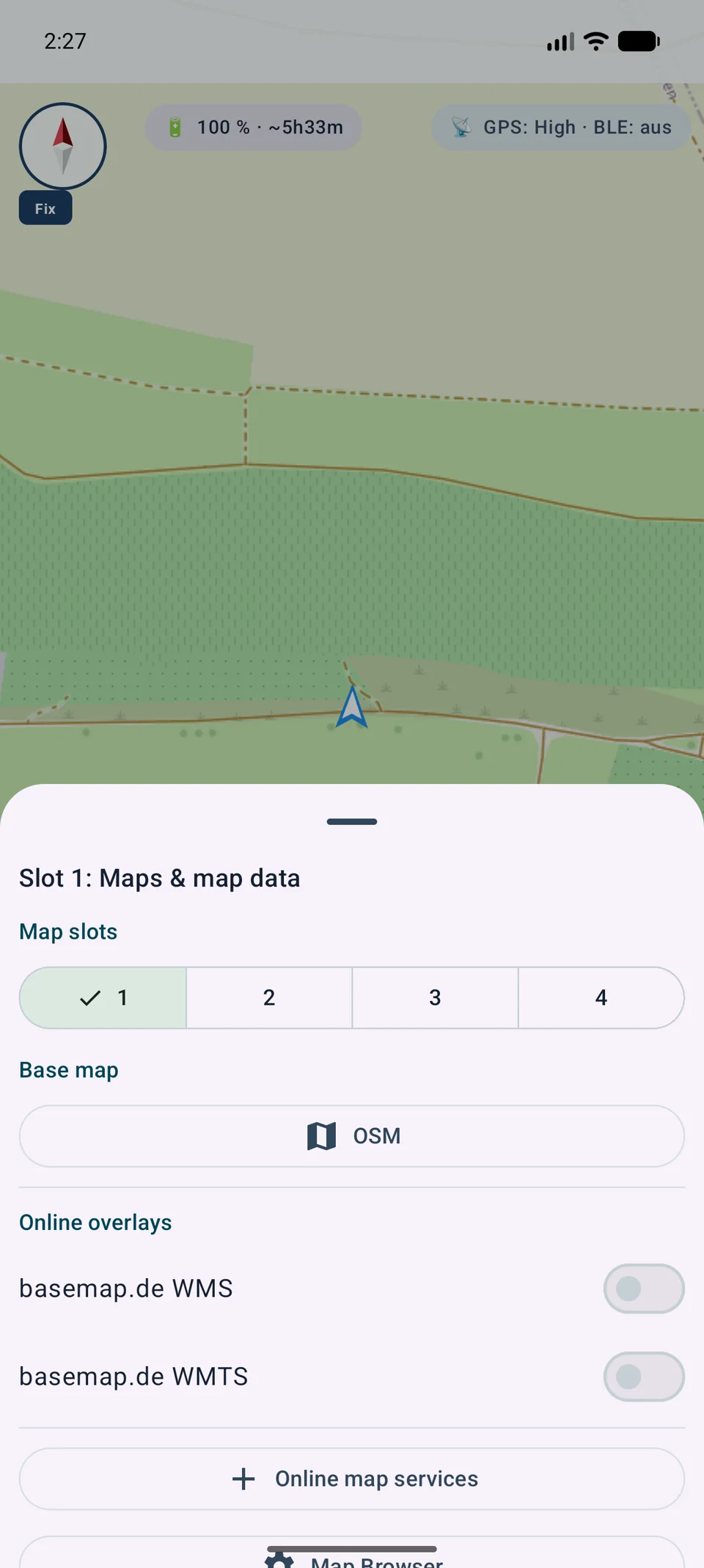
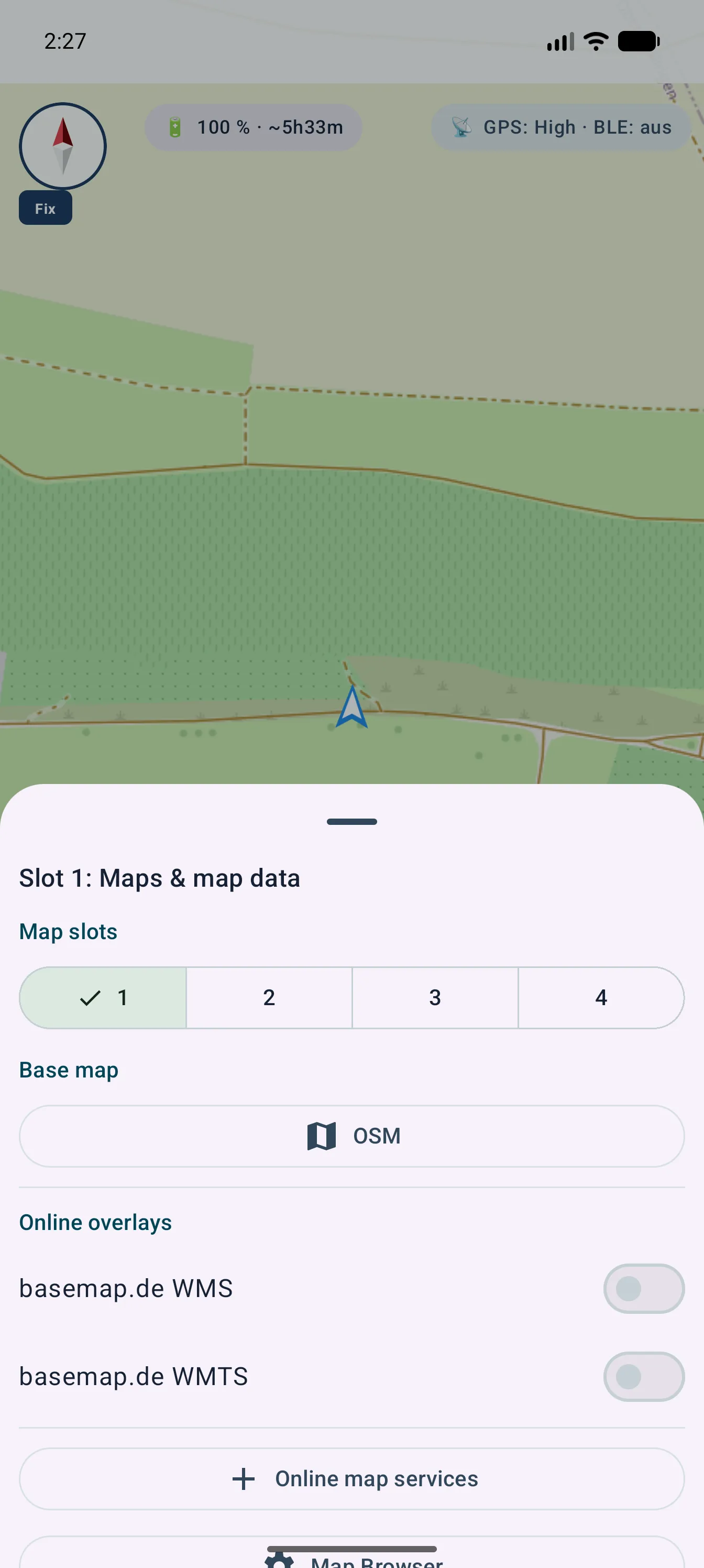
有効なベースマップを、オーバーレイやインポート済みレイヤーデータとは別に管理します。
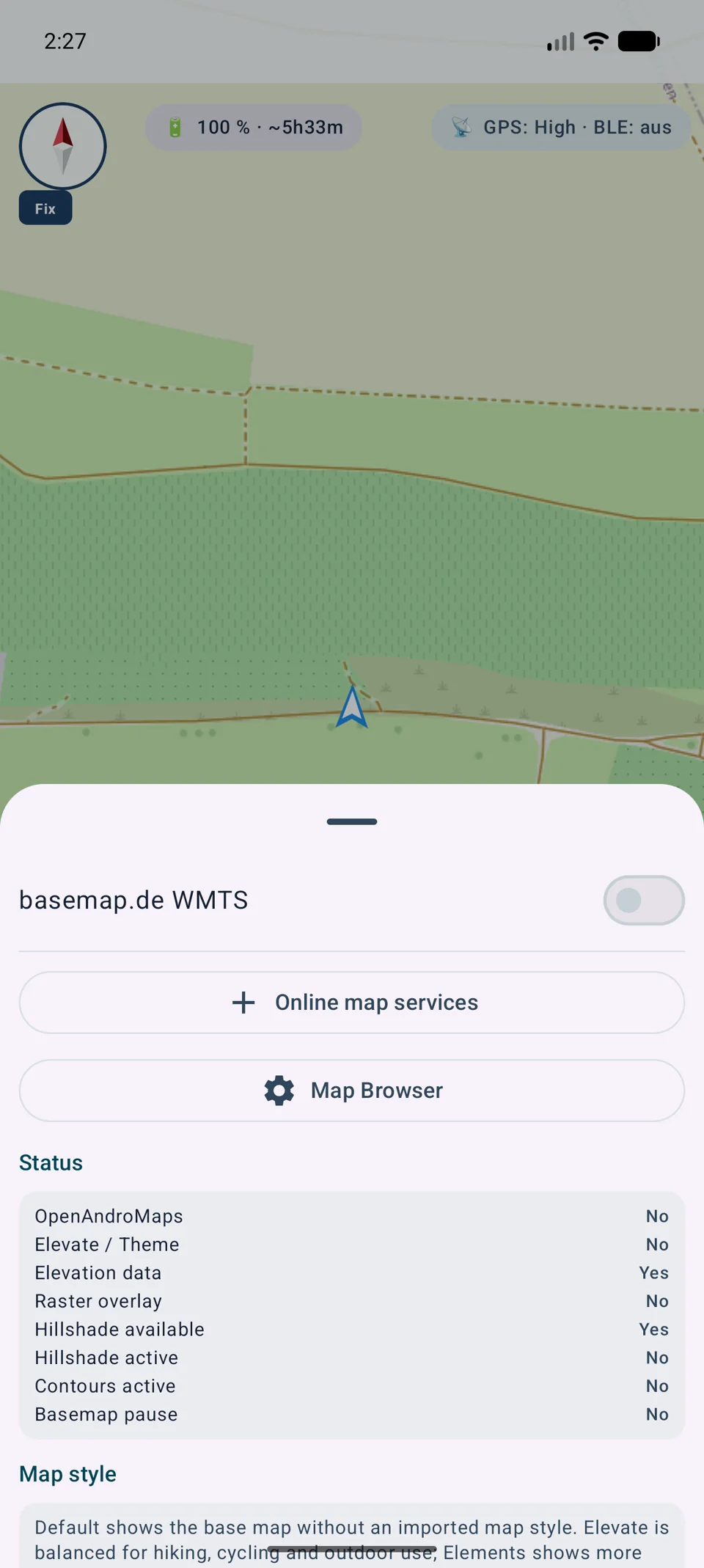
地図ソースとオフライン地図は地図ブラウザーで管理します。
スロットをタップして有効化します。割り当てる地図はセレクターで変更します。
デフォルト / ベース地図
カスタムテーマ
有効なベースマップを、オーバーレイやインポート済みレイヤーデータとは別に管理します。
HGT タイルは、地点、プロファイル、解析の標高値と表示中の陰影起伏図の描画に使用されます。DEM GeoTIFF、ASC、DTED もサポートされています。
地図プリセット
マッププリセットは4つのスロット、その順序と有効なスロットに加え、ソース、スタイル、レイヤー、地形、オーバーレイ、ルーティング設定、オブジェクト表示を保存します。UIプロファイル、座標、色、アイコン、メニュー順序は共通設定です。
スロットをタップして有効化します。割り当てる地図はセレクターで変更します。
地図ソースとオフライン地図は地図ブラウザーで管理します。
地図プリセットを保存
マッププリセットは4つのスロット、その順序と有効なスロットに加え、ソース、スタイル、レイヤー、地形、オーバーレイ、ルーティング設定、オブジェクト表示を保存します。UIプロファイル、座標、色、アイコン、メニュー順序は共通設定です。
操作の配置だけを変更し、地図、レイヤー、プロジェクト、記録データは変更しません。
表示
マーカー、ライン、ルート、方位、エリア、ViewRangeの色は、カラーフィールド、色相コントロール、RGB値、Hexコードで選択できます。ダイアログには現在色と選択色のプレビューが表示されます。お気に入りはシンプルに、グローバルなオブジェクト色と、エリアおよびViewRange専用のお気に入りに分かれます。
メンテナンス
サービスカタログが変更されます。 MapTools は、制御された方法で機能を再度読み取り、相違点を表示し、明確な参照を修復できます。
機能は、サービスまたはローカルの XML ファイルから読み取ることができます。 XML には、オフラインで使用するための地図画像ではなく、カタログが含まれています。
追加、削除、変更されたレイヤーと影響を受けるマップ プリセットは、変更が適用される前に表示されます。
明確な参照は修復できます。内容が変更されたプリセットは古いテスト状態を失うため、再度テストする必要があります。
パブリック カタログは HTTP キャッシュ メタデータを尊重します。プライベートな応答は永続化されません。 FeatureInfo によって返される HTML は、アクティブな Web コンテンツとしてレンダリングされません。
リクエストが成功しても、無料使用またはキャッシュの権利が証明されるわけではありません。ライセンス、登録、割り当て、帰属はサービス運営者によって決定されます。
地図プリセット
地図プリセットには、4つのスロットすべて、その順序、無効なスロット、アクティブなスロット、オブジェクトの表示状態が保存されます。標準プリセットは引き続き利用でき、独自プリセットはPro機能です。
従来の独自1スロットプリセットは一度だけ移行されます。名前、ID、地図内容、表示状態は保持されます。従来の内容は更新時にアクティブだったスロットへ入り、残り3つは現在の設定からコピーされます。移行によって使用中の設定が切り替わることはありません。
旧ファイルは、新形式をアトミックに書き込み、正常に再読込できた後でのみ削除されます。見つからない地図、テーマ、レイヤー、標高データへの参照は残り、該当スロットが不完全と表示されます。
現在の設定が読み込んだプリセットと異なる場合、MapToolsは変更状態を示します。切替時に保存、破棄、キャンセルを選べます。
オンライン地図
MapTools は独自の HTTPS 配信元をベースマップまたはオーバーレイとして利用できます。地図上では同じように見えても、設定、タイル、CRS、地物照会の方法が異なります。
XYZ
z、x、y を含む URL テンプレートで準備済みタイルを取得します。原点は左上で、世界配信では Web Mercator が一般的です。
OSGeo TMS
OSGeo TMS も固定タイルを使いますが、通常は下から y を数えます。MapTools はこの違いを処理します。
WMTS 1.0.0
GetCapabilities がレイヤー、スタイル、形式、CRS、TileMatrixSets を記述します。MapTools は互換マトリクスを選び、複数レイヤーを並べます。
WMS 1.1.1 / 1.3.0
WMS は範囲、サイズ、CRS に応じた画像を生成します。MapTools は 1.1.1/1.3.0、レイヤー、スタイル、ディメンション、利用可能な GetFeatureInfo に対応します。
URL や標準だけでは料金、登録、上限、キャッシュ、ライセンスは分かりません。必ず提供元の条件を確認してください。
手順
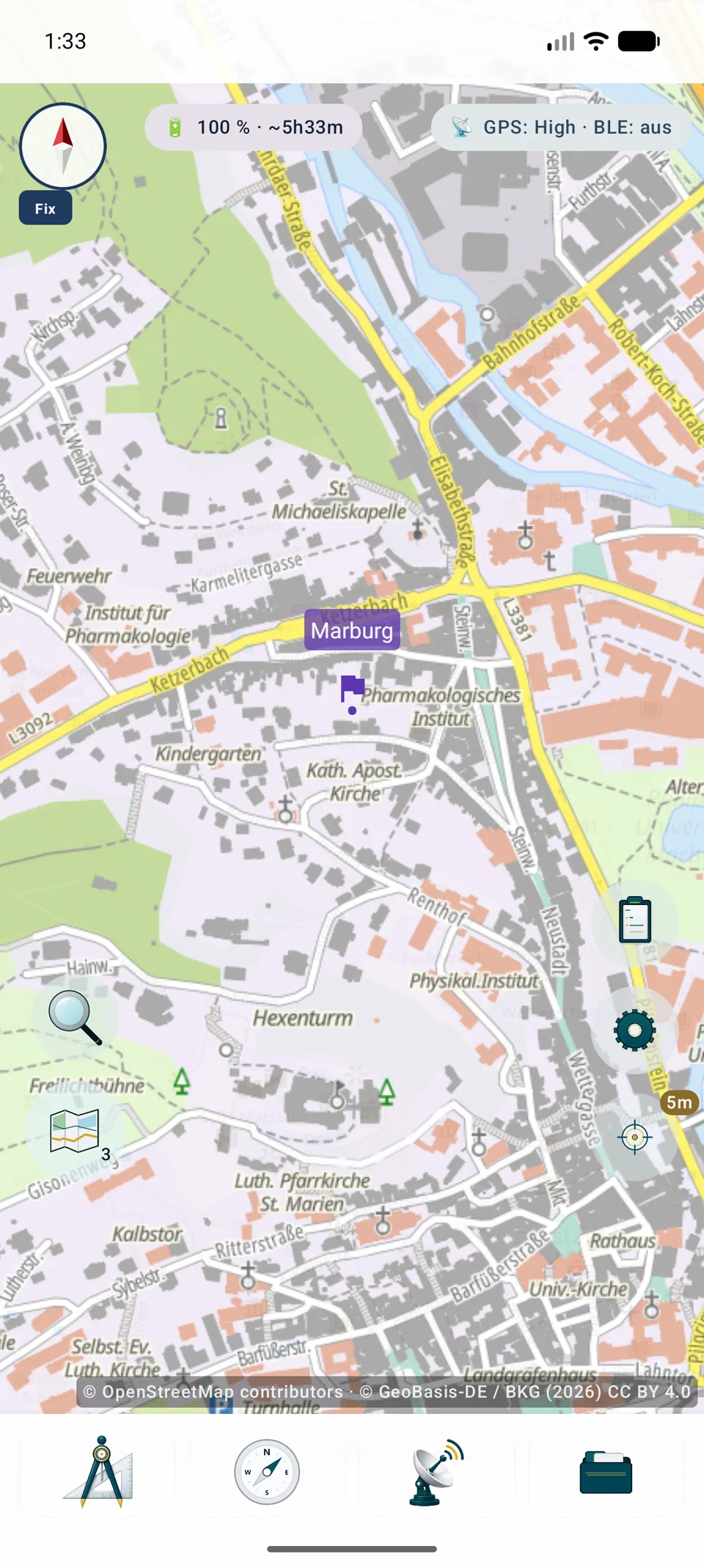
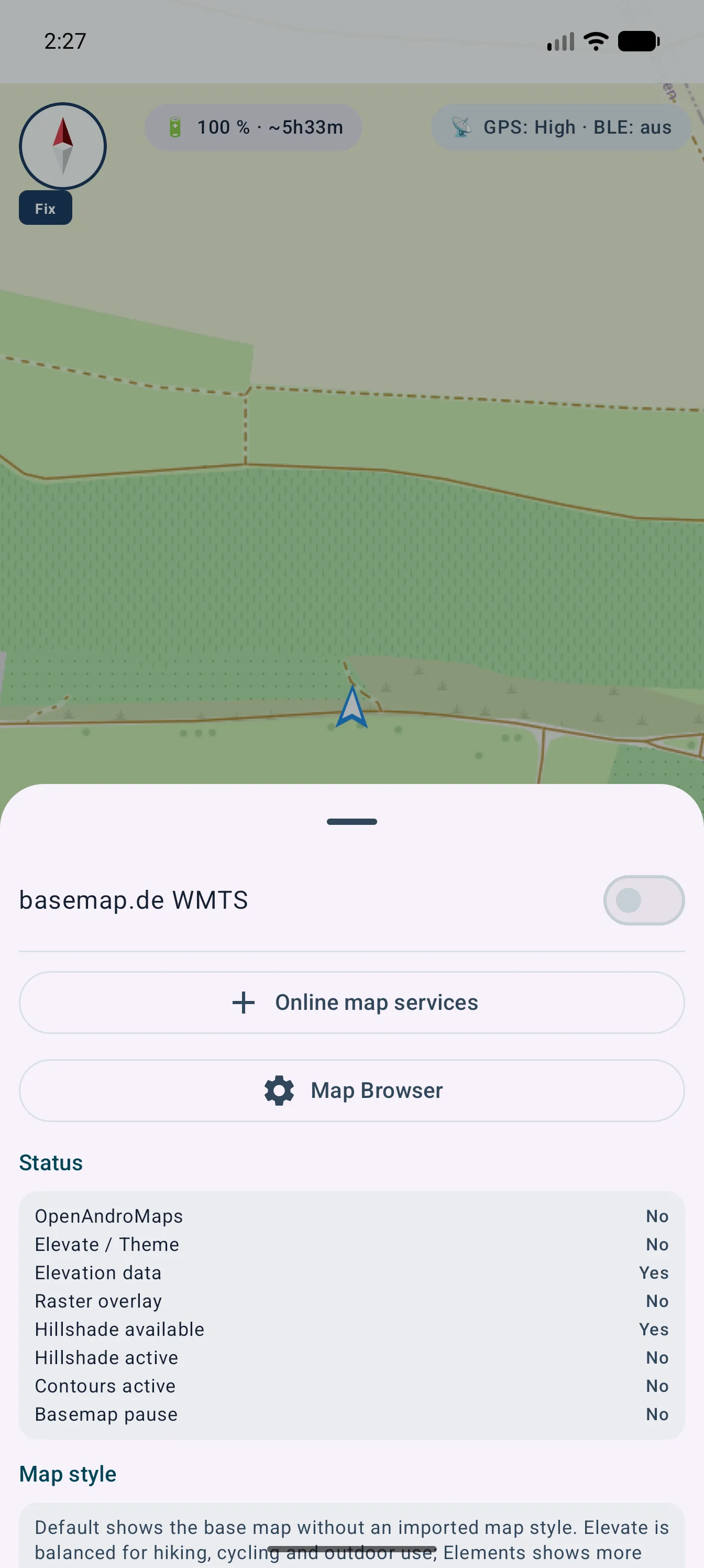
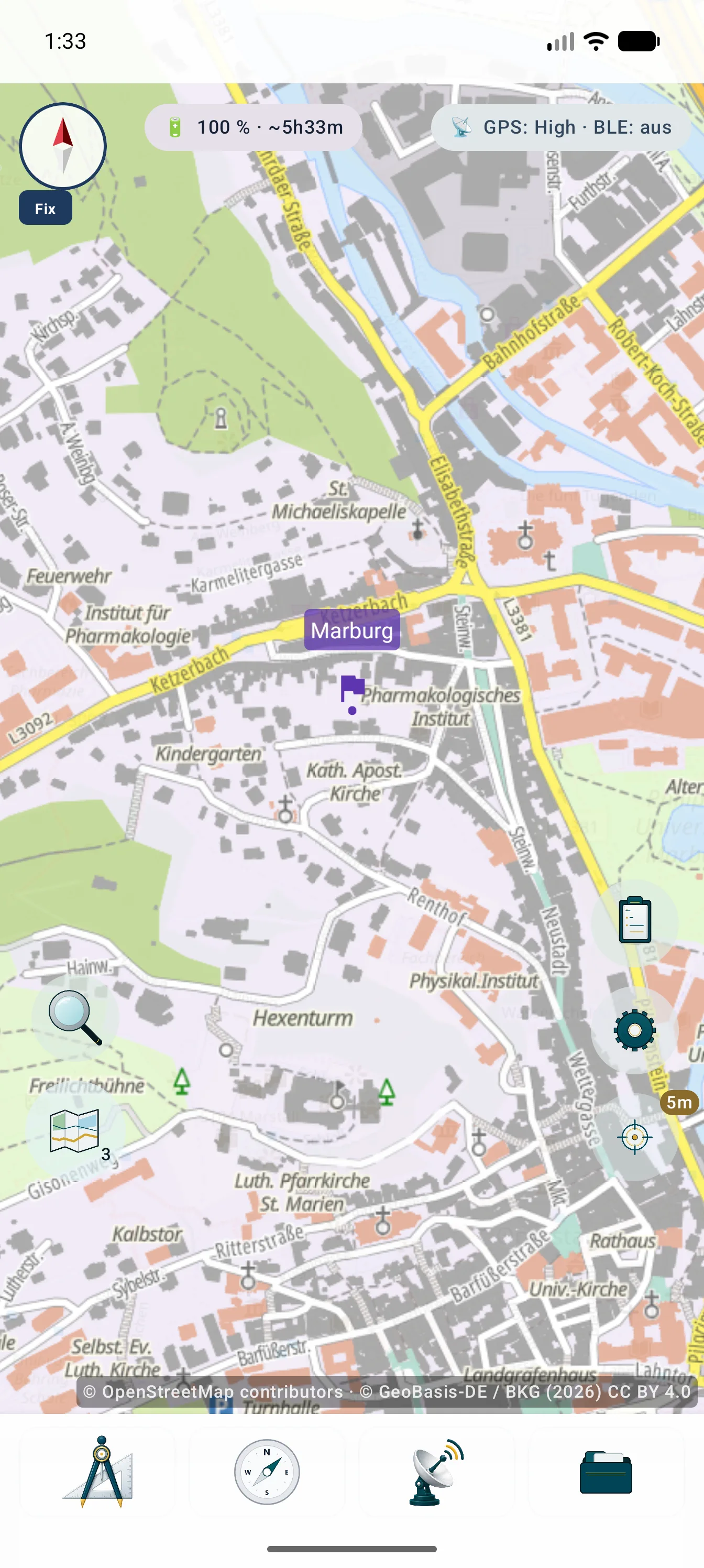
画像は地図ロケーションからの入口、一元管理、出典表示付きの結果を示します。
描画とセキュリティ
設定には URL と、追跡可能な描画に必要な技術・法的情報が保持されます。
互換性のある WMS または WMTS レイヤーをまとめて選択、並べ替え、保存、編集できます。ベース、オーバーレイ、不透明度はロケーションごとに設定できます。
Web Mercator は直接描画します。その他の許可されたラスター CRS は、範囲と縮尺制限を守って端末内で再投影します。
照会可能な WMS レイヤーでは、タップ位置の情報を GetFeatureInfo から取得できます。内容と可用性はサービス次第です。
パスワード、キー、トークンは暗号化され、バックアップと .asmaps から除外されます。有効な配信元に必要な出典表示はまとめて表示されます。
外部サービスやデータは MapTools に自動的に含まれません。料金、アカウント、上限、可用性、キャッシュ、利用権は提供元によって異なります。
技術用語集
OpenStreetMap のような提供元、WMS のようなプロトコル、MBTiles のようなコンテナーは、それぞれ異なる層を表します。
復帰
実際のバックグラウンド復帰時、VTM とオフライン地図は UI スレッド外で準備します。負荷の高い追加レイヤーより先に基本地図を利用でき、非モーダルの読込表示は 500 ms を超えた場合だけ表示します。
詳しいガイド
オンラインタイルでありファイル取込ではありません。
スロット長押しでXYZ/TMSを追加し、{z}/{x}/{y}または{quadkey}/{s}のHTTPS、ズームを設定してテスト・保存します。
認証を分離し、帰属表示、アカウント、費用、割当、ライセンス、キャッシュ、プライバシーを確認します。TMSはYの数え方が異なります。