
Activities and statistics
Data → Activities offers 43 activities in eleven groups, custom groups and subactivities, favourites and separate participant profiles for people, animals and objects.
Statistics · Tracks · To review
Statistics
Statistics cover individual days and any date range, with filters, saved views and map display. Planned or unconfirmed tracks do not count as completed activities; copies are not counted twice.
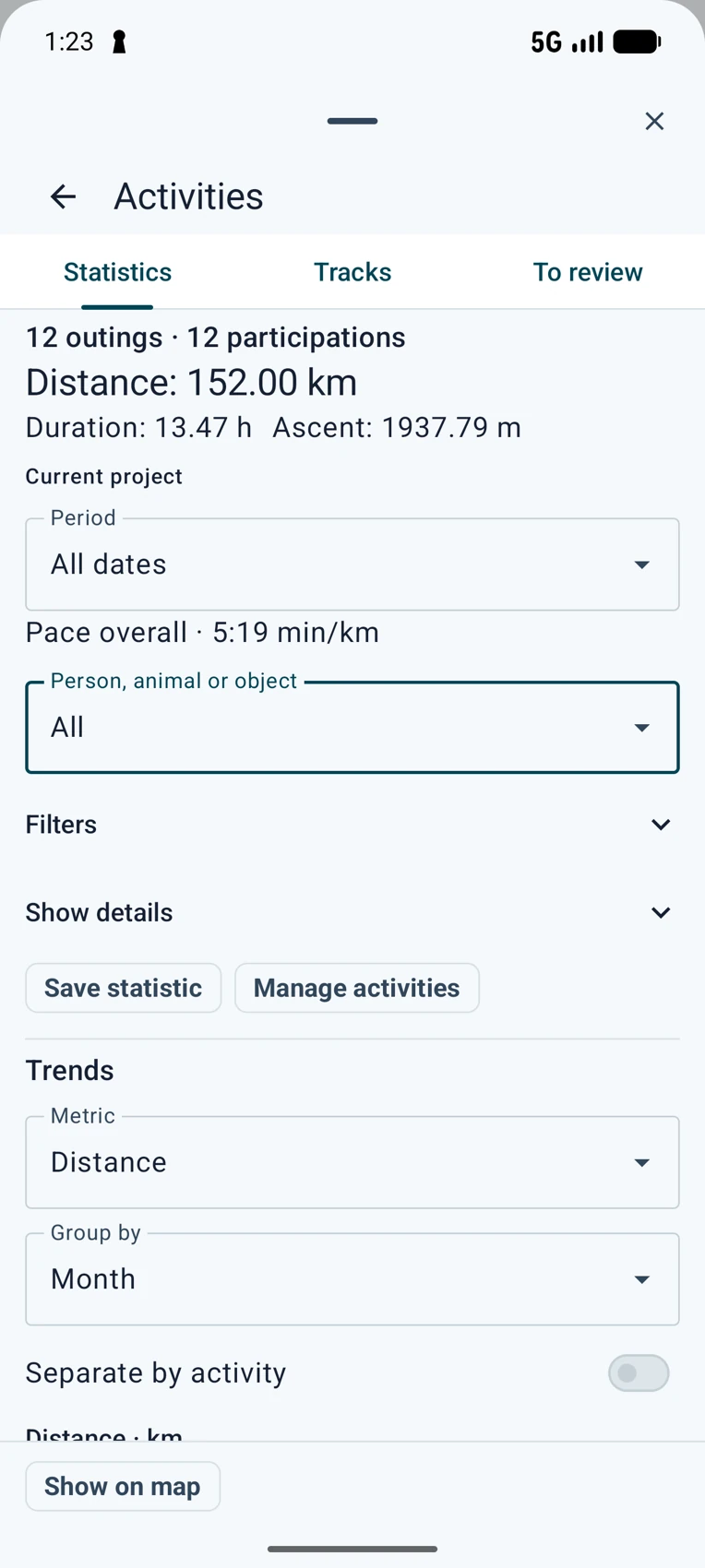
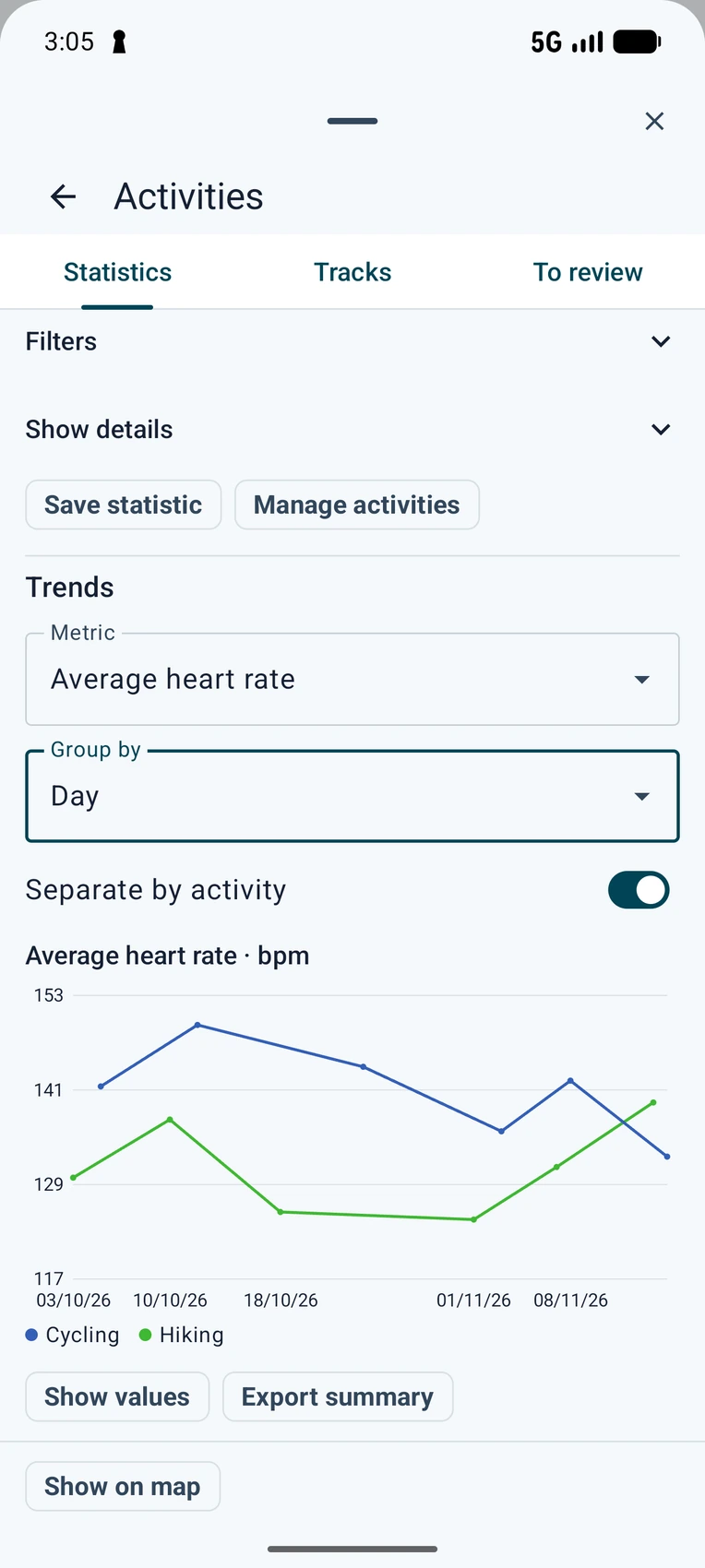
Read trends and find the tracks
Choose distance, duration, pace or average heart rate, then group by day, month or year. Split the values by activity to compare like with like. Tap a point or bar to open its contributing tracks. Save the statistics or export the chart as a PNG image or PDF report.
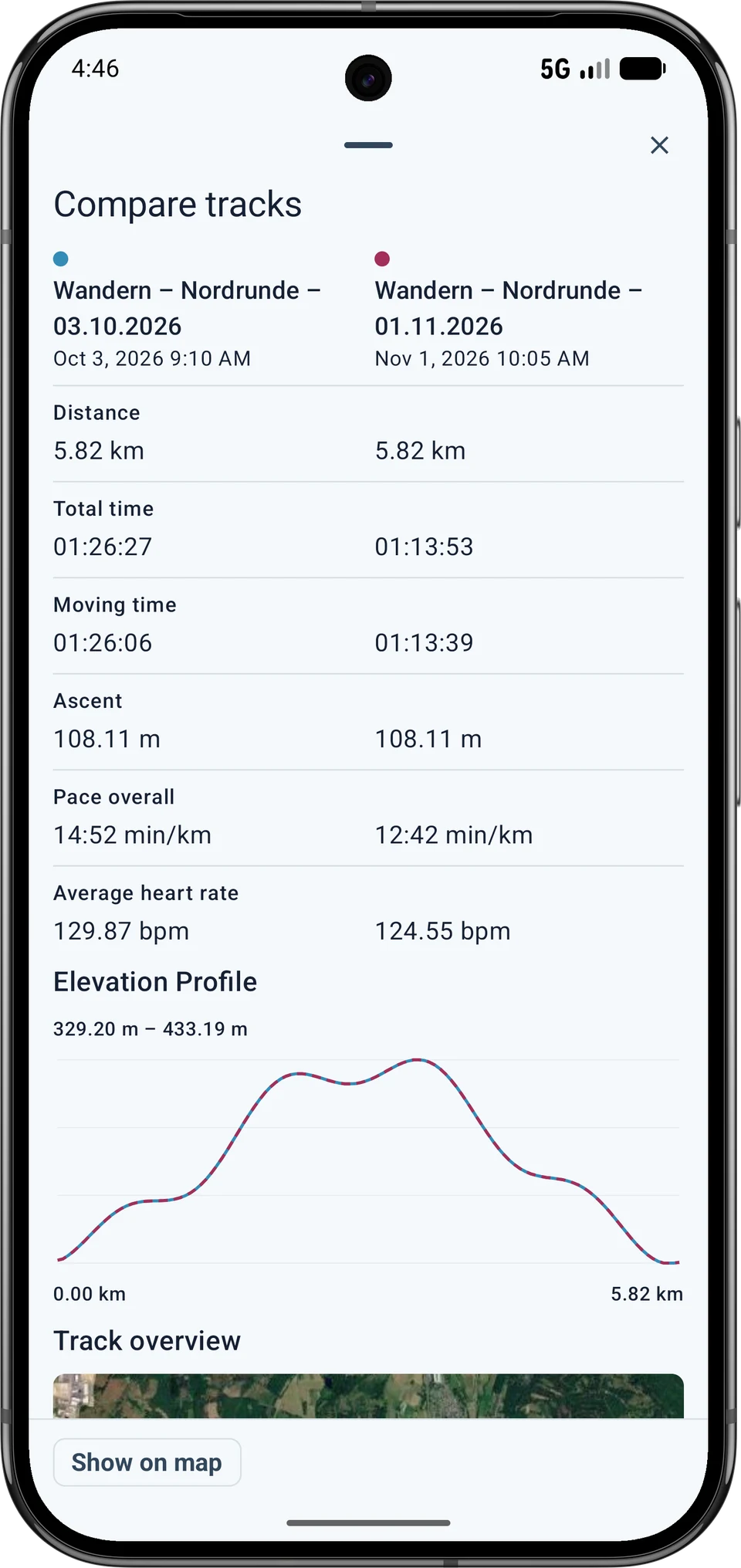
Compare two tracks
In Tracks, select two entries and tap Compare. Check their routes on the map and compare distance, duration, moving time, pace, ascent and heart rate where available. The distance axis aligns the elevation profiles.
Tracks
Choose an activity, tags and destination folder when saving. Import previews show recognised types; change assignment, tags, status and folders for multiple tracks together.
To review
In Data → Activities, choose “To review”. Select the tracks, open “Edit selection” and assign a participant. Confirm only activities that were actually completed. Planned routes stay excluded. A confirmed activity without a type still counts in the participant’s overall total.