관행

베어링 및 반경

방향을 위해 베어링, 원, 거리 및 마커를 결합합니다.

작업흐름

일반적인 흐름

지도에서 워크플로를 완료하려면 다음 단계를 따르세요.

  1. 1단계마커 또는 좌표 설정
  2. 2단계방위 및 거리 캡처
  3. 3단계원 또는 측정선 추가
  4. 4단계프로젝트에 교차점 및 대상 영역 저장

New Precision Features

Refine bearings, areas and routes more precisely

The current tools support more guided measurement and correction workflows so existing objects do not need to be recreated.

Guided cross bearing for distance work

The app guides the selection of suitable bearings, circles or measurement objects, calculates intersections and can save the result as a marker.

More details

Edit areas later

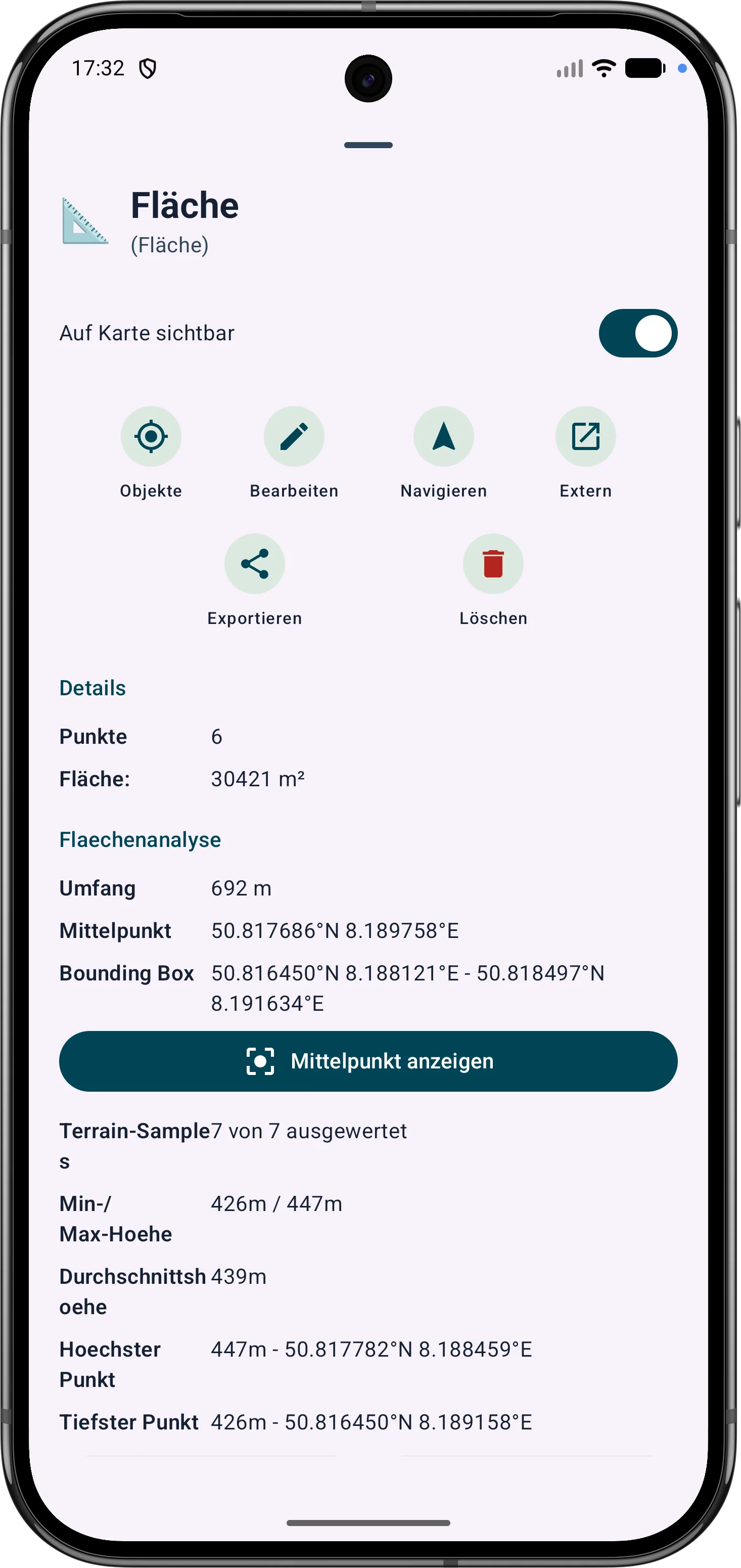
Polygon areas can be refined through their vertices. Side lengths, interior angles and distances help correct boundaries in the field.

More details

Edit routes later

Route points and segments can be adjusted later. Bearing, distances and direction angles remain visible and understandable on the map.

More details

Intersection calculation from bearing and circle
Editing an area with vertices, angles and distances
Refining a route with bearing and distances