Направлений поперечний підшипник для дистанційної роботи
Додаток керує вибором відповідних пеленгів, кіл або об’єктів вимірювання, розраховує перетини та може зберегти результат як маркер.
Практика
Комбінуйте пеленги, кола, відстані та маркери для орієнтування.
робочий процес
Виконайте ці кроки, щоб завершити робочий процес на карті.
Нові функції точності
Поточні інструменти підтримують більш керовані робочі процеси вимірювання та корекції, тому існуючі об’єкти не потрібно створювати заново.
Додаток керує вибором відповідних пеленгів, кіл або об’єктів вимірювання, розраховує перетини та може зберегти результат як маркер.
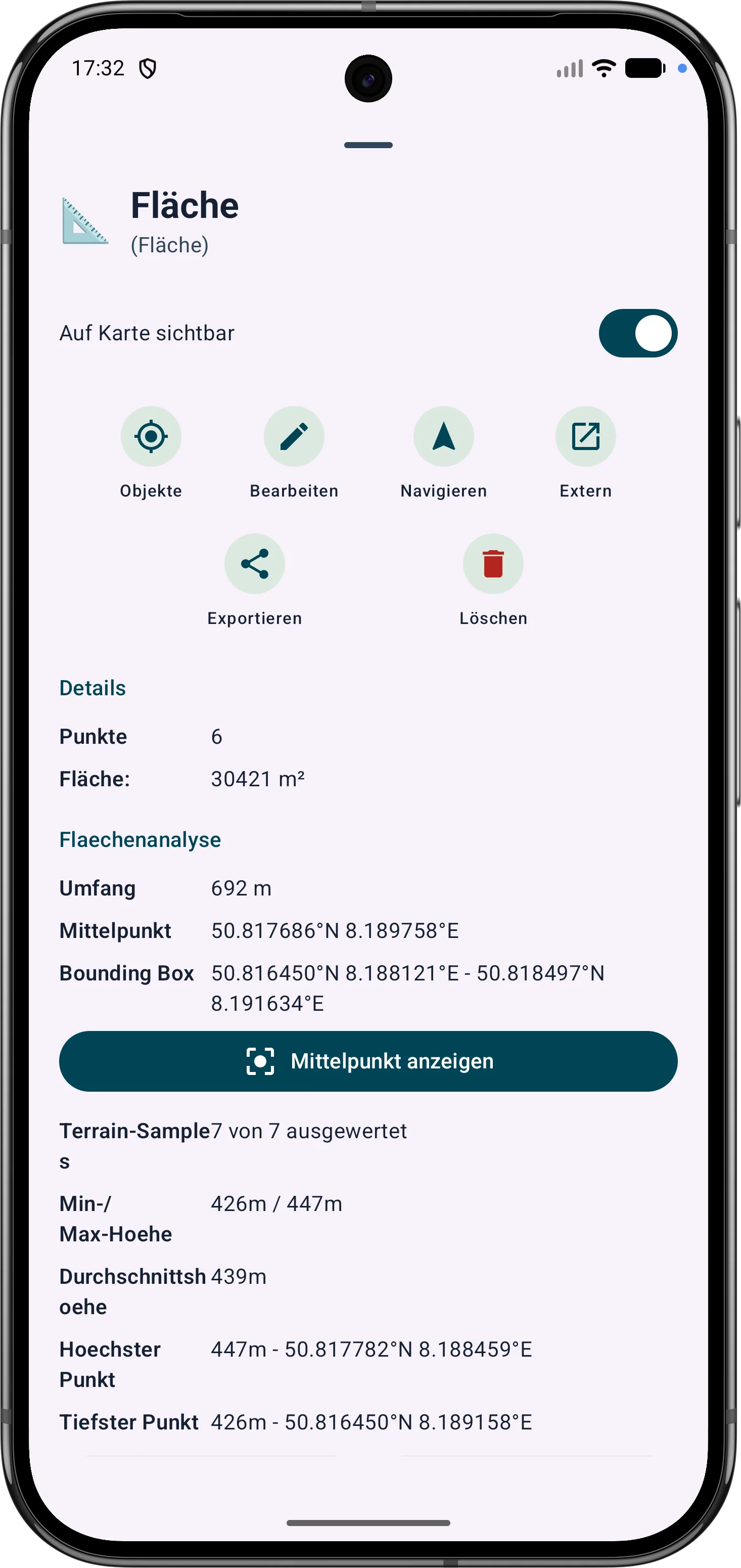
Області багатокутників можна уточнити через їхні вершини. Довжини сторін, внутрішні кути та відстані допомагають виправляти межі на полі.
Точки та сегменти маршруту можна налаштувати пізніше. Пеленг, відстані та дирекційні кути залишаються видимими та зрозумілими на карті.