Направляющий поперечный подшипник для работы на расстоянии
Приложение помогает выбрать подходящие азимуты, круги или объекты измерения, рассчитывает пересечения и сохраняет результат в виде маркера.
Практика
Комбинируйте пеленги, круги, расстояния и маркеры для ориентации.
Рабочий процесс
Используйте эти шаги, чтобы завершить рабочий процесс на карте.
Новые функции точности
Текущие инструменты поддерживают более управляемые рабочие процессы измерения и коррекции, поэтому существующие объекты не нужно воссоздавать.
Приложение помогает выбрать подходящие азимуты, круги или объекты измерения, рассчитывает пересечения и сохраняет результат в виде маркера.
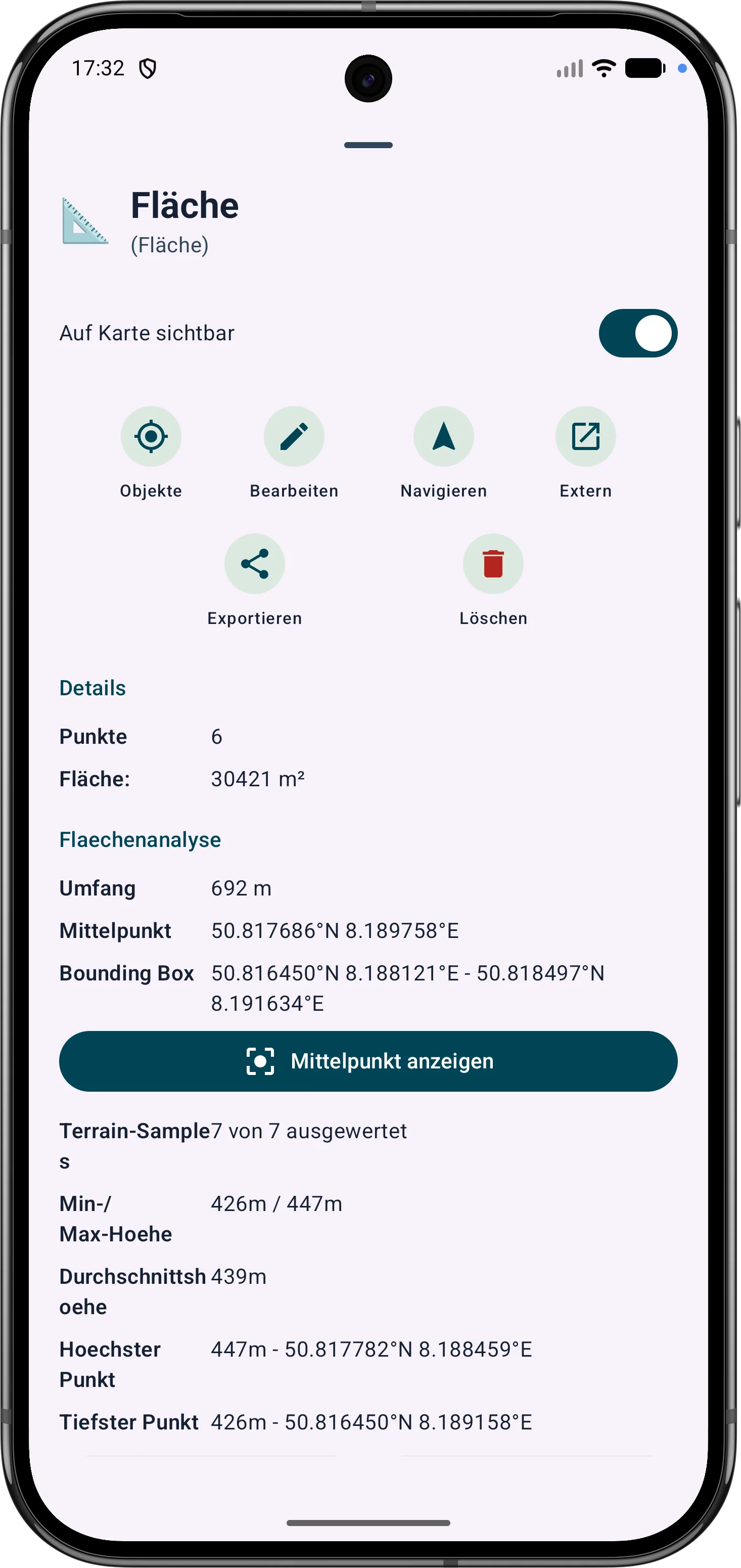
Области многоугольников можно уточнить по их вершинам. Длина сторон, внутренние углы и расстояния помогают корректировать границы поля.
Точки и сегменты маршрута можно будет скорректировать позже. Направление, расстояния и углы направления остаются видимыми и понятными на карте.