Geleid kruislager voor afstandswerk
De app begeleidt de selectie van geschikte peilingen, cirkels of meetobjecten, berekent snijpunten en kan het resultaat als markering opslaan.
Oefen
Combineer lagers, cirkels, afstanden en markeringen voor oriëntatie.
Werkstroom
Gebruik deze stappen om de workflow op de kaart af te ronden.
Nieuwe precisiefuncties
De huidige tools ondersteunen meer begeleide meet- en correctieworkflows, zodat bestaande objecten niet opnieuw hoeven te worden gemaakt.
De app begeleidt de selectie van geschikte peilingen, cirkels of meetobjecten, berekent snijpunten en kan het resultaat als markering opslaan.
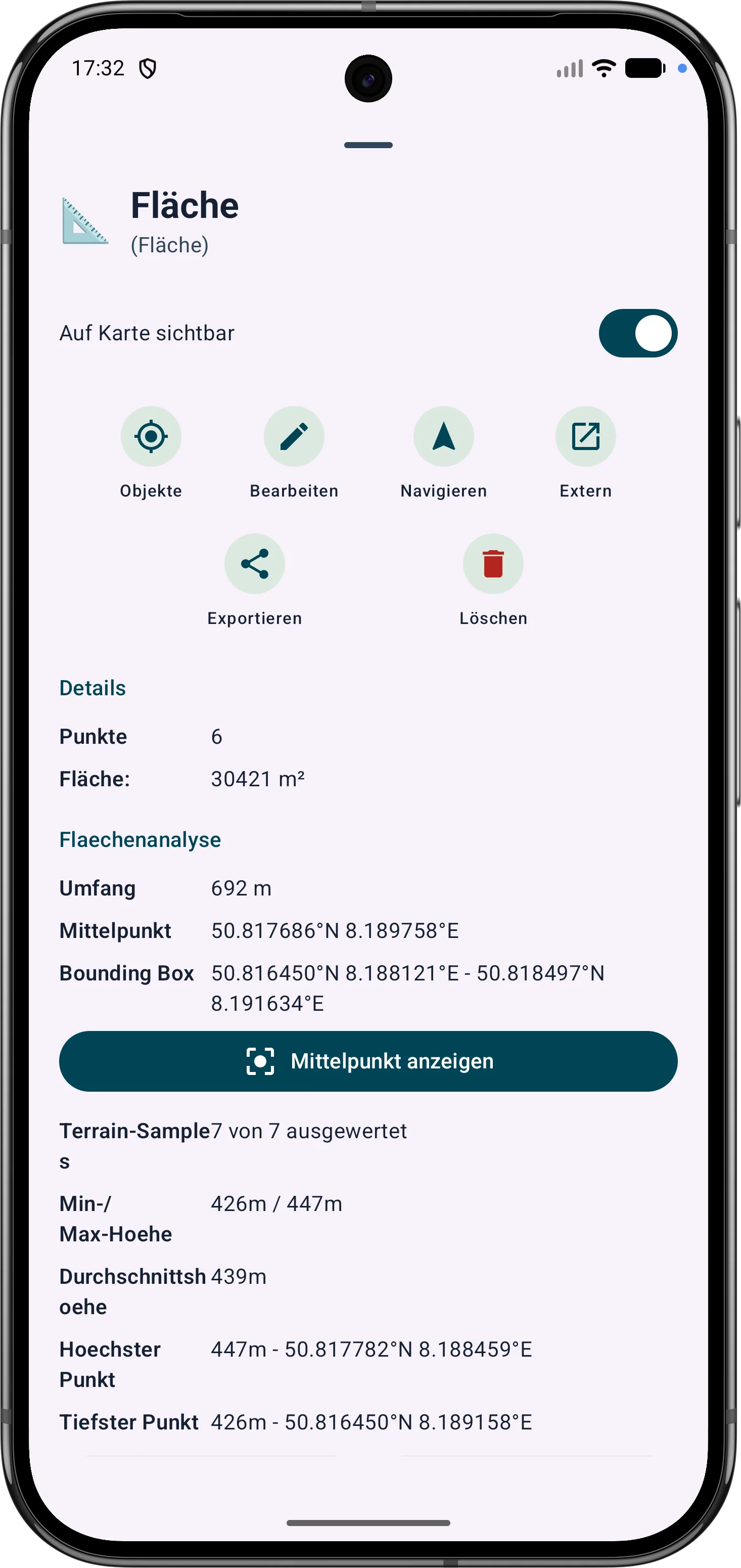
Veelhoekgebieden kunnen worden verfijnd via hun hoekpunten. Zijlengtes, binnenhoeken en afstanden helpen bij het corrigeren van grenzen in het veld.
Routepunten en segmenten kunnen later worden aangepast. Peiling, afstanden en richtingshoeken blijven zichtbaar en begrijpelijk op de kaart.