אזימוט צולב מודרך לעבודה מרחוק
האפליקציה מנחה את הבחירה של אזימוטים, עיגולים או חפצי מדידה מתאימים, מחשבת צמתים ויכולה לשמור את התוצאה כסמן.
לְתַרְגֵל
שלבו אזימוטים, עיגולים, מרחקים וסמנים להתמצאות.
זרימת עבודה
השתמש בשלבים אלה כדי להשלים את זרימת העבודה במפה.
תכונות דיוק חדשות
הכלים הנוכחיים תומכים בזרימות עבודה מונחות יותר של מדידה ותיקון כך שאין צורך ליצור מחדש אובייקטים קיימים.
האפליקציה מנחה את הבחירה של אזימוטים, עיגולים או חפצי מדידה מתאימים, מחשבת צמתים ויכולה לשמור את התוצאה כסמן.
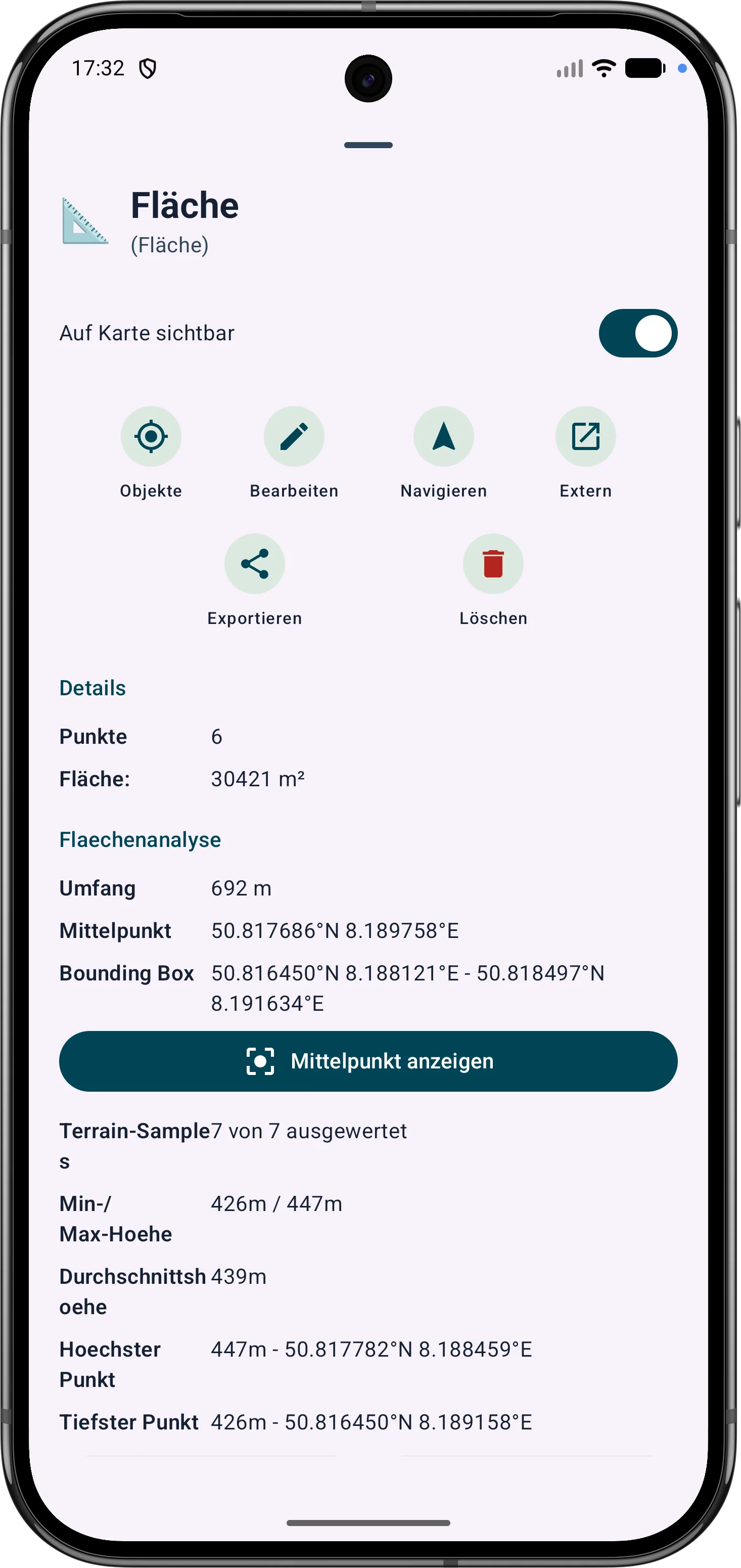
ניתן לעדן אזורי מצולע באמצעות הקודקודים שלהם. אורכי צד, זוויות פנימיות ומרחקים עוזרים לתקן גבולות בשטח.
ניתן להתאים נקודות וקטעי מסלול מאוחר יותר. אזימוט, מרחקים וזוויות כיוון נשארים גלויים ומובנים על המפה.