السمت المتقاطع الموجه للعمل عن بعد
يرشد التطبيق اختيار السمت أو الدوائر أو كائنات القياس المناسبة، ويحسب التقاطعات ويمكنه حفظ النتيجة كعلامة.
يمارس
الجمع بين السمت والدوائر والمسافات وعلامات للتوجيه.
سير العمل
استخدم هذه الخطوات لإكمال سير العمل على الخريطة.
ميزات الدقة الجديدة
تدعم الأدوات الحالية سير عمل القياس والتصحيح بشكل أكثر توجيهًا بحيث لا يلزم إعادة إنشاء الكائنات الموجودة.
يرشد التطبيق اختيار السمت أو الدوائر أو كائنات القياس المناسبة، ويحسب التقاطعات ويمكنه حفظ النتيجة كعلامة.
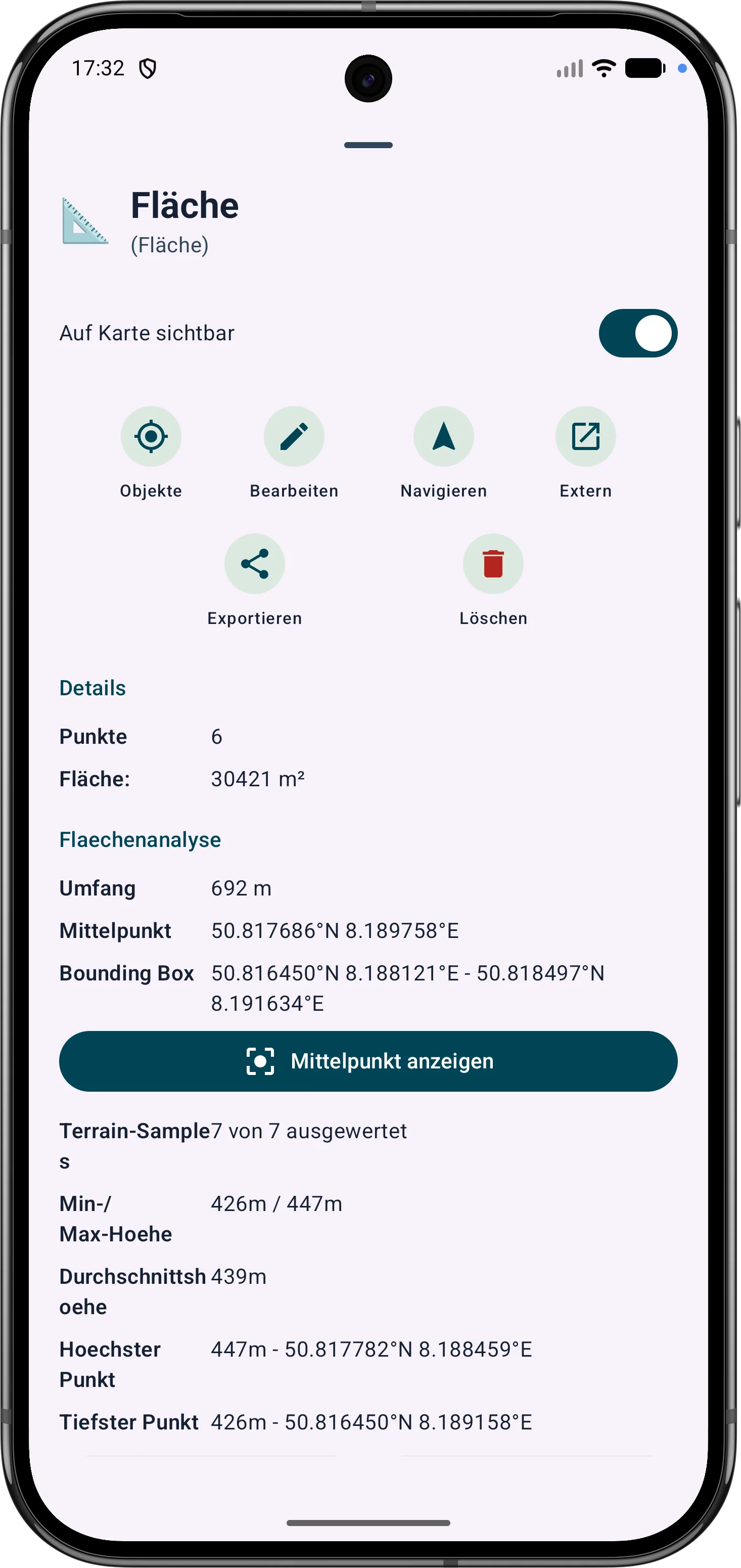
يمكن تحسين مناطق المضلع من خلال رؤوسها. تساعد الأطوال الجانبية والزوايا الداخلية والمسافات في تصحيح الحدود في الحقل.
يمكن تعديل نقاط وأجزاء الطريق لاحقًا. تظل السمت والمسافات وزوايا الاتجاه مرئية ومفهومة على الخريطة.