টুল
টুলবার সরাসরি মানচিত্রে কাজ শুরু করে।
- marker যোগ করুন এবং points নথিভুক্ত করুন
- distance, bearing, area ও circle তৈরি করুন
- route points বসান এবং viewrange গণনা করুন
- active tools বাতিল করুন বা ধাপে ধাপে undo করুন
শুরু
মানক স্ক্রিন, টুল, লেয়ার, মানচিত্র, অবজেক্ট, অনুসন্ধান ও লাইভ ফাংশনের দ্রুত পরিচিতি।
ইন্টারফেস
স্ট্যান্ডার্ড স্ক্রিনে মানচিত্রই কাজের জায়গা। নম্বরযুক্ত চিহ্নগুলো দৃশ্যমান কন্ট্রোলের পাশে থাকে; তালিকা অংশগুলো ব্যাখ্যা করে। শুধু বিস্তারিত লিংক অতিরিক্ত ম্যানুয়াল পৃষ্ঠা খোলে।
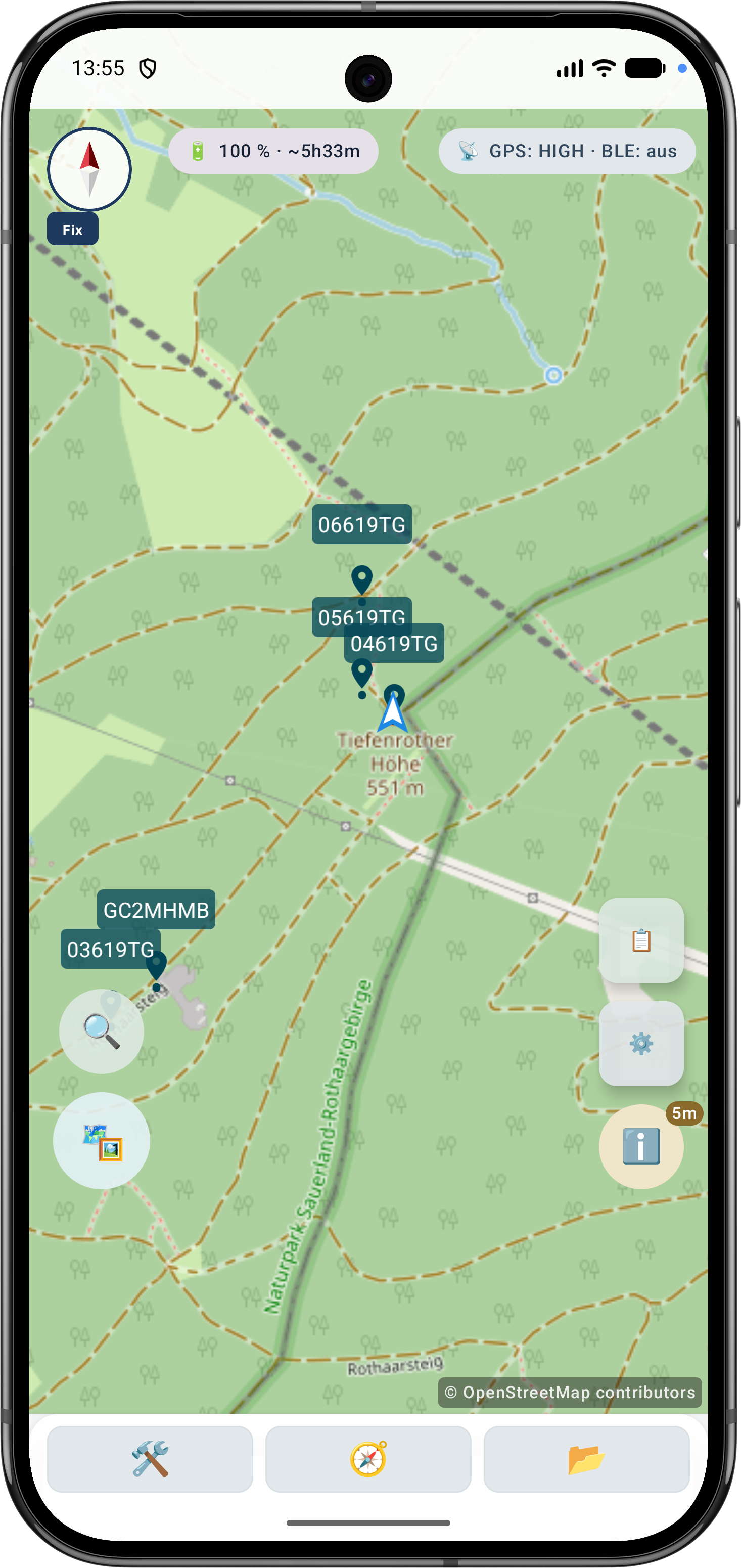
স্ক্রিন অংশ
Elemen utama dapat diakses langsung dari tampilan peta.
টুলবার সরাসরি মানচিত্রে কাজ শুরু করে।
সেটিংস আচরণ, দৃশ্য ও কাজের profile একত্র করে।
কোন maps ও data দেখা যাবে তা নিয়ন্ত্রণ করে।
device-এ map sources ও local data পরিচালনা করে।
active project-এর বিষয়বস্তু দেখায়।
অনুসন্ধানে স্থানাঙ্ক ইনপুট এবং POI অনুসন্ধান থাকে। প্রকল্প অবজেক্টগুলি অবজেক্ট ব্রাউজারে থাকে।
লাইভ মেনু active functions ও quick actions দেখায়।
প্রথম ধাপ
Langkah terpenting untuk penggunaan pertama.
অফলাইন ডেটা
মোবাইল নেটওয়ার্ক ছাড়া কাজ করতে চাইলে আগে উপযুক্ত প্রদানকারীর কাছ থেকে maps, POI, elevation models বা overlays ডাউনলোড করে ArxSilex MapTools-এ ইমপোর্ট করুন।
Release notes
The app changelog lists app releases available through Google Play, including their release notes.
New Precision Features
The current tools support more guided measurement and correction workflows so existing objects do not need to be recreated.
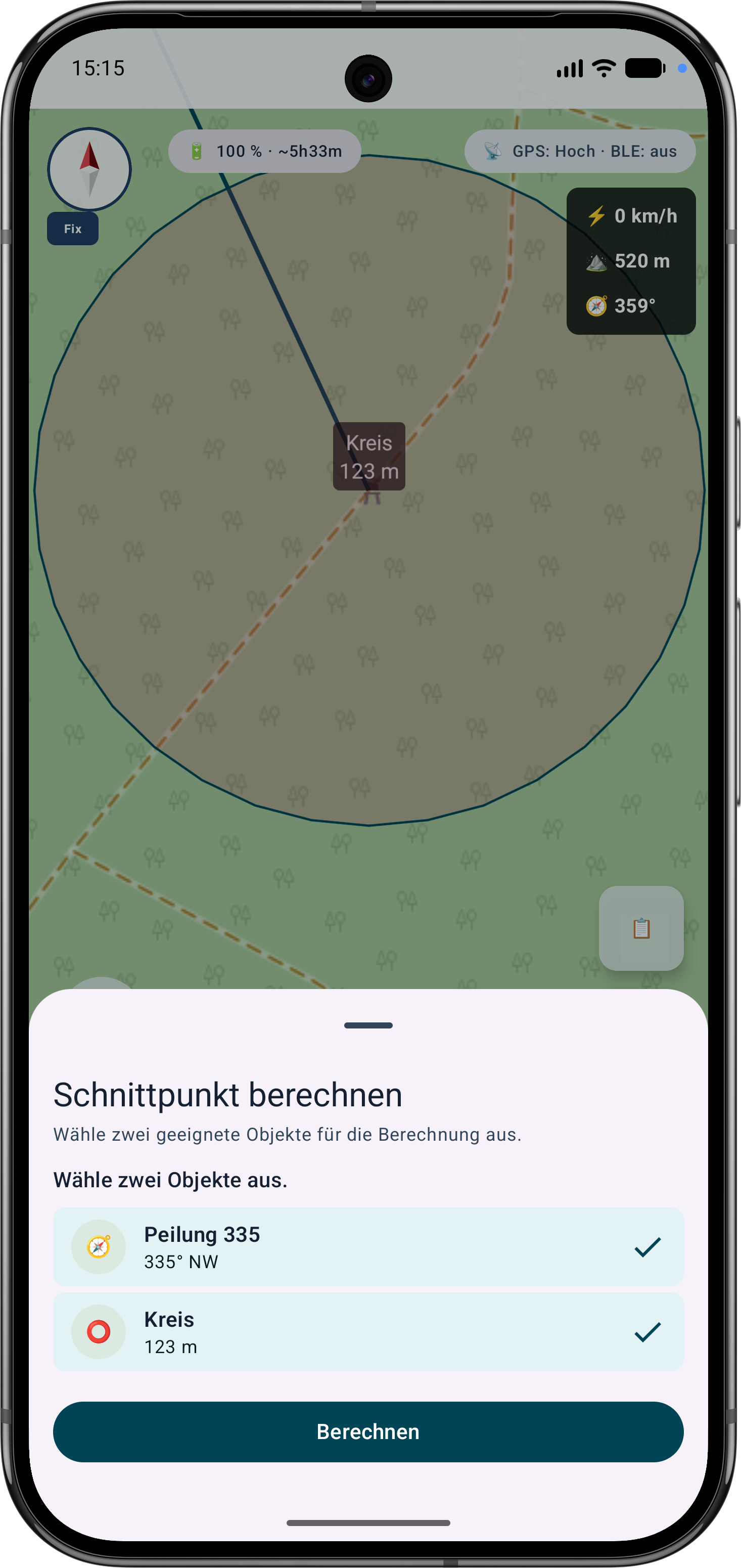
The app guides the selection of suitable bearings, circles or measurement objects, calculates intersections and can save the result as a marker.
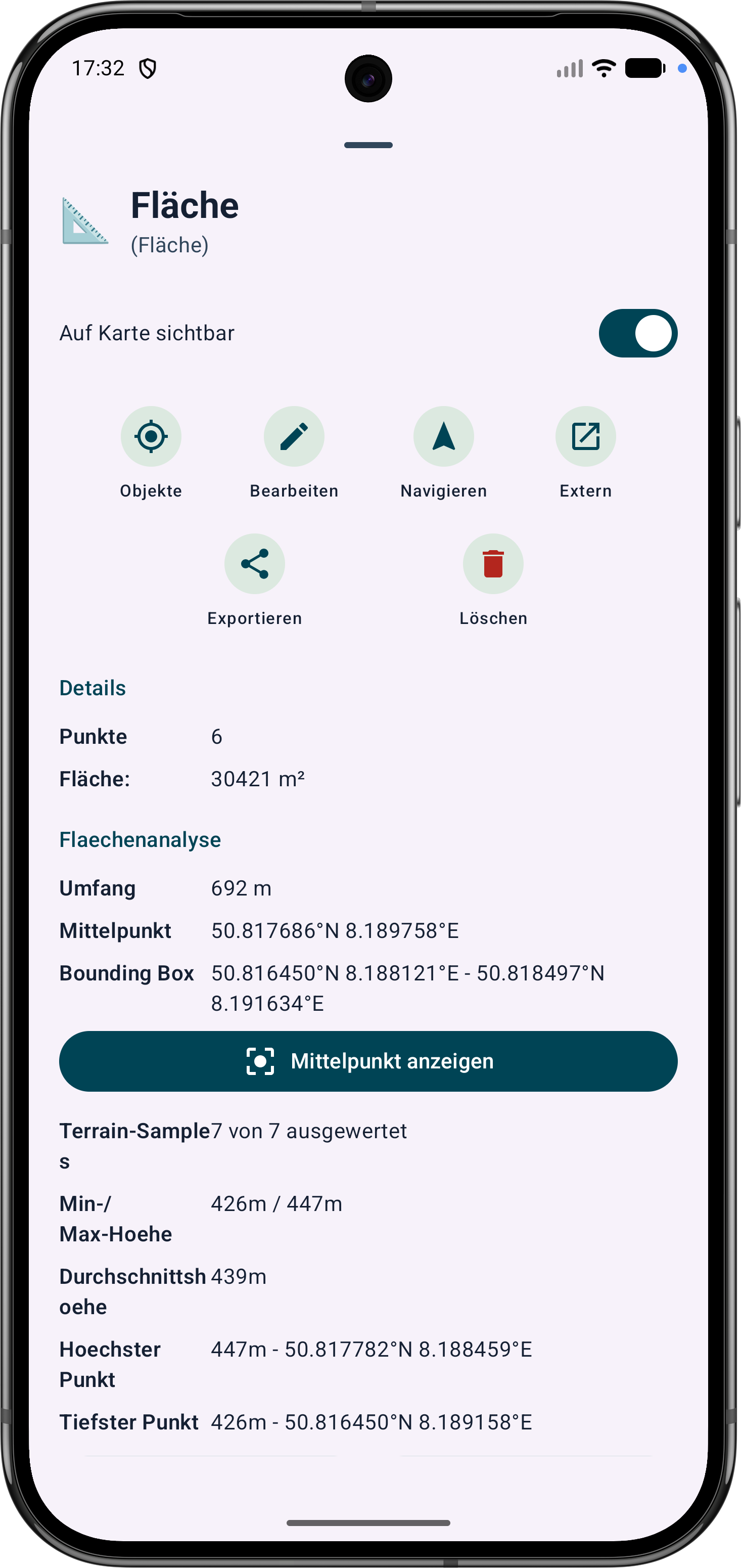
Polygon areas can be refined through their vertices. Side lengths, interior angles and distances help correct boundaries in the field.
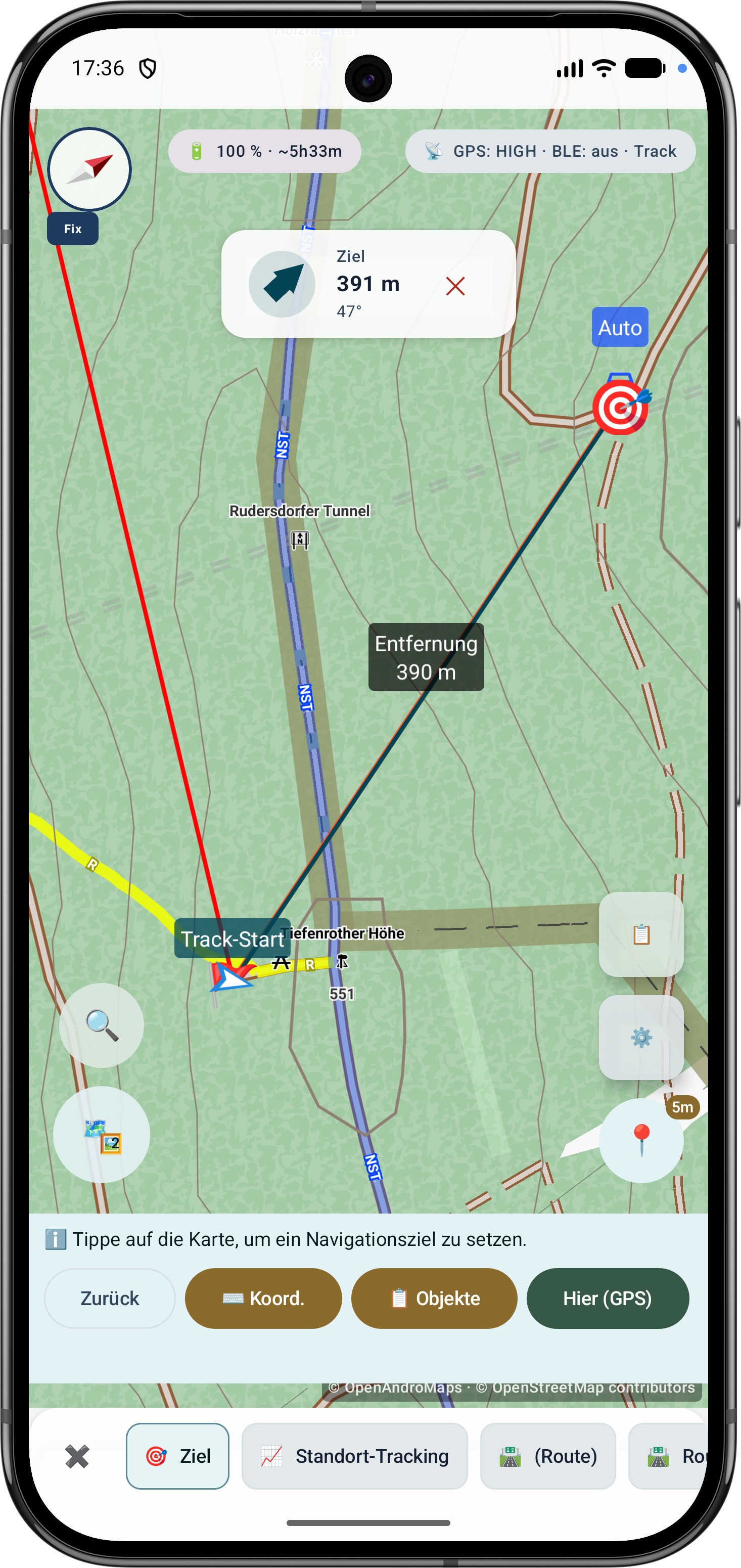
Route points and segments can be adjusted later. Bearing, distances and direction angles remain visible and understandable on the map.